2
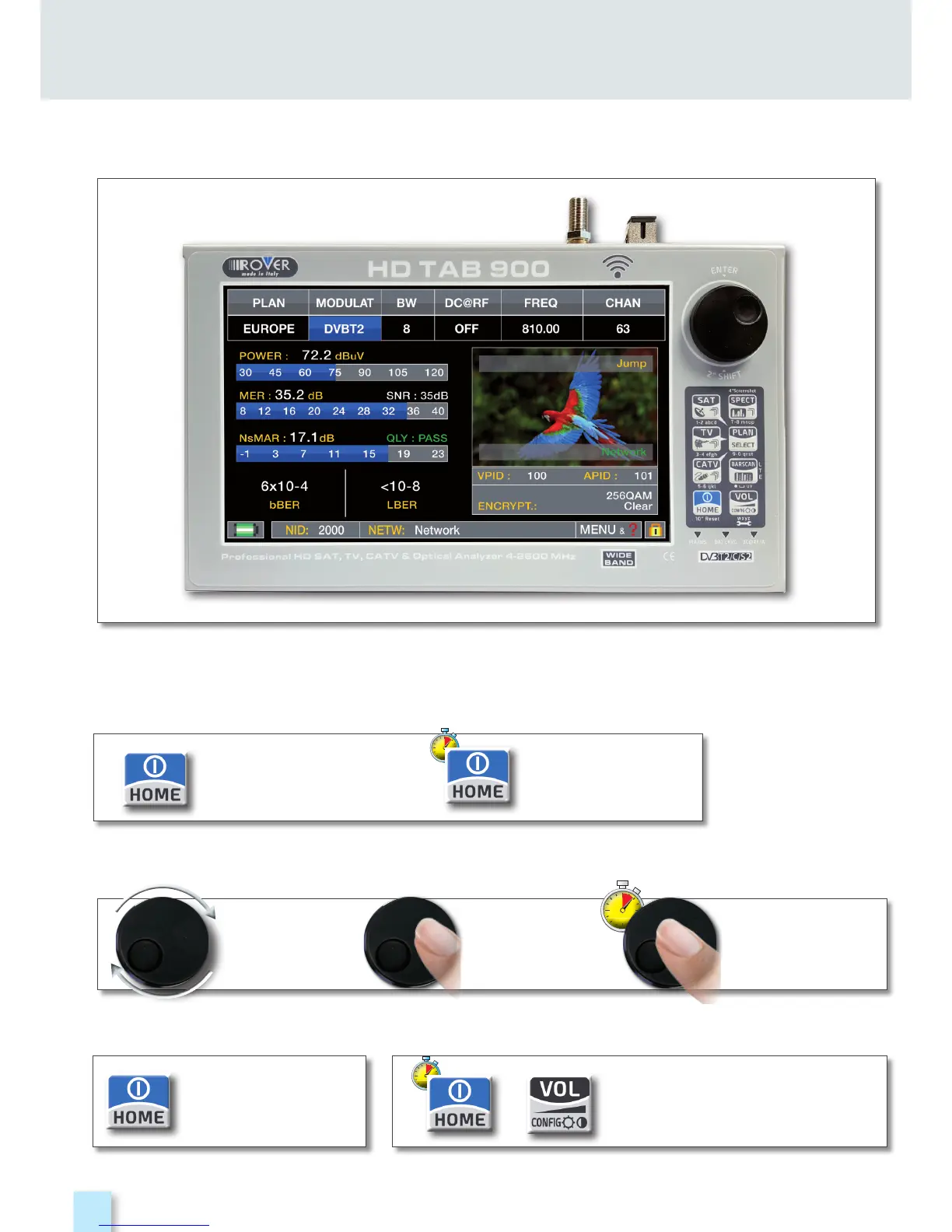
GET TO KNOW YOUR TAB 900
FRONT PANEL __________________________________
• WHEEL
• POWER
To turn on
press the
‘HOME’ key.
To turn off
press and hold
the ‘HOME’ key
Use the wheel to navigate across the screen and adjust the values
• RESET HARDWARE • RESET SOFTWARE
+
With instrument ON,
Keep the “HOME” key
pressed for 10” and
turn on again.
From instrument OFF, Switch
on the meter, immediately
after keep the “VOLUME” key
pressed until a beep is heard.
Rotate to select
a menu item
or to change
a value
Press to select a
menu item or a
numeric field,
Select a menu
item, press and
hold 2” to display
the pop-up menu.
NB: The MENU (functions and Graphics) an be change without advise.



 To Next Page