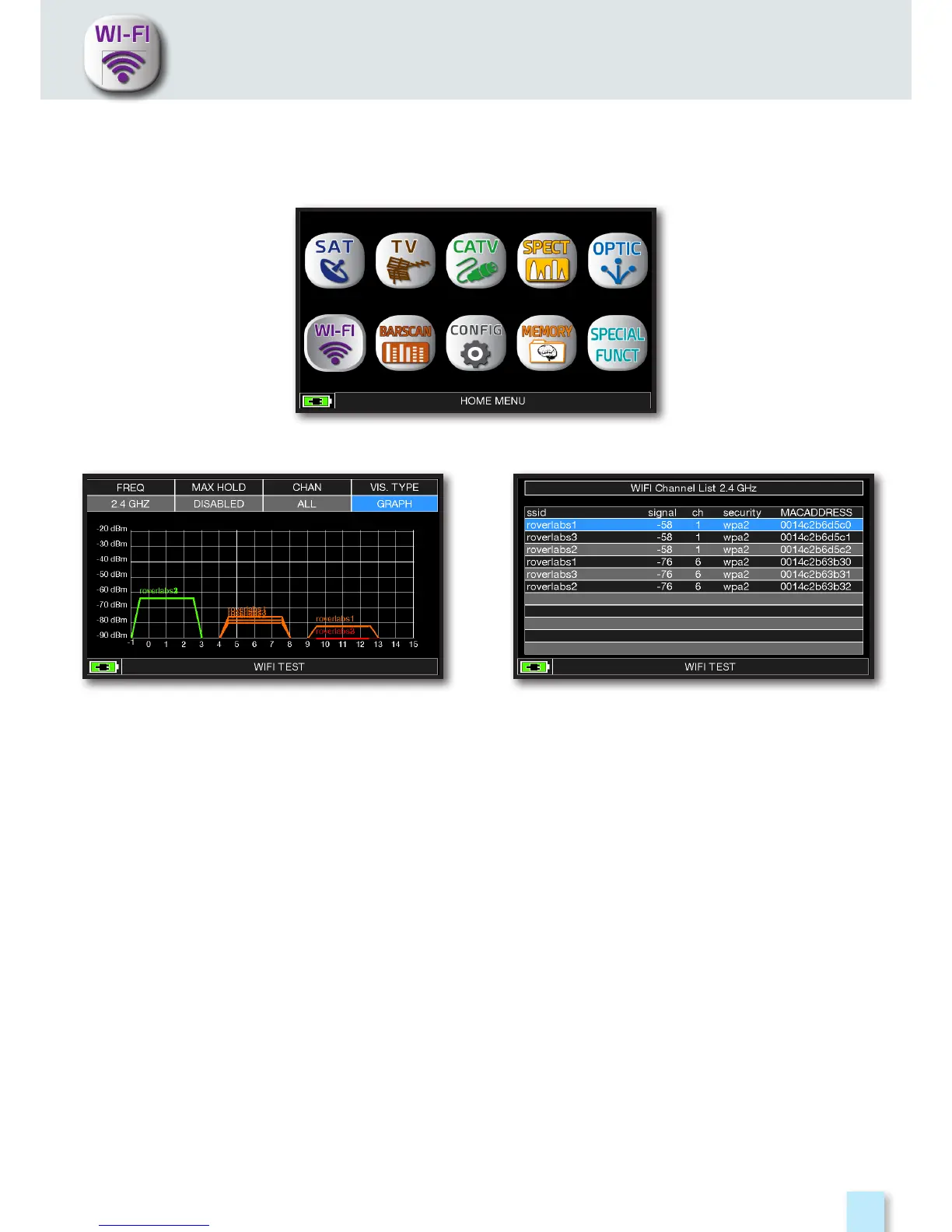
Press the “HOME” key.
Touch “WI-FI” to visualize the received
WI-FI networks.
Touch “VIS. TYPE” to access to the received
WI-FI network list.
- Touch “FREQ” to switch WI-FI band from 2,4 to 5 GHz.
- Touch “MAX HOLD” to enable/disable the maximum level of the received signal memorized.
- Touch “CHAN” to select channels reception modalities, all or from 1 to 13 (for 2,4 GHz
networks) and from 36 to 165 (for 5 GHz networks).
WI-FI ANALYZER (opt.)
The instrument, equipped with an WI-FI analyzer, allows you to analyze the WI-FI networks present
in the building in the 2.4 and 5 GHz frequency range, check the power of the received Signal
and display the List of Networks.



 To Next Page