15
Using The Features
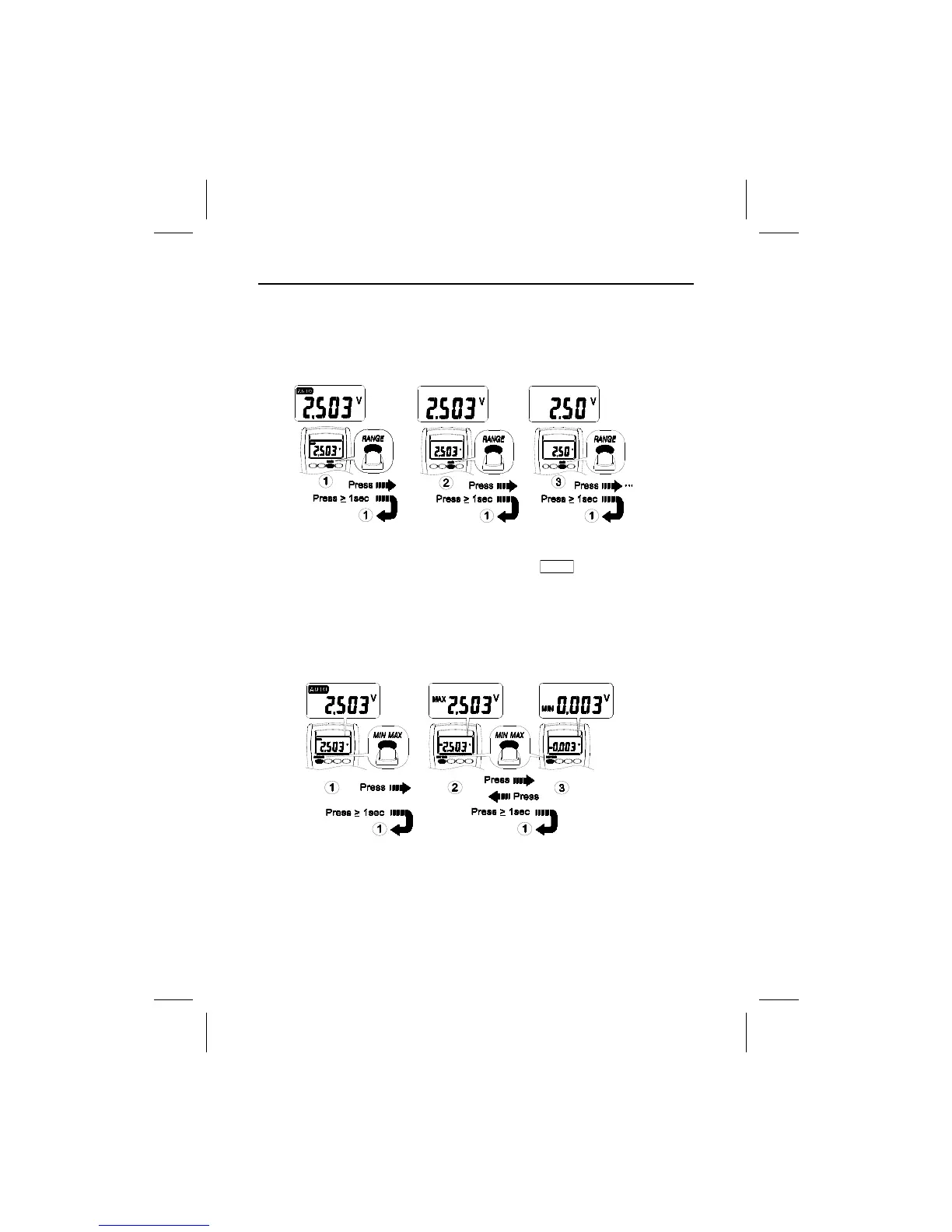
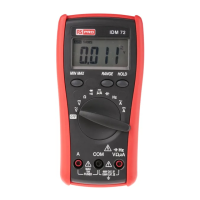
Manual Ranging and Auto Ranging
MIN MAX Record
Note - The Range button is pressed to select manual ranging and to change
ranges. When the Range button is pressed once, the AUTO indicator turns off.
Press the Range button to select the appropriate range for the measurement
you want to make. Press the Range button and hold for 1 second to return to
Autorange mode.
Note – Press the HOLD button in MIN MAX mode to make the meter stop updating
the maximum and minimum value. When display Hold mode is nested in MIN
MAX mode, the MIN
MAX mode must be released before the display Hold.
Using The Features


 To Next Page