3
Safety
"
Warning
"
and
"
Caution
"
Alert Symbol Statement :
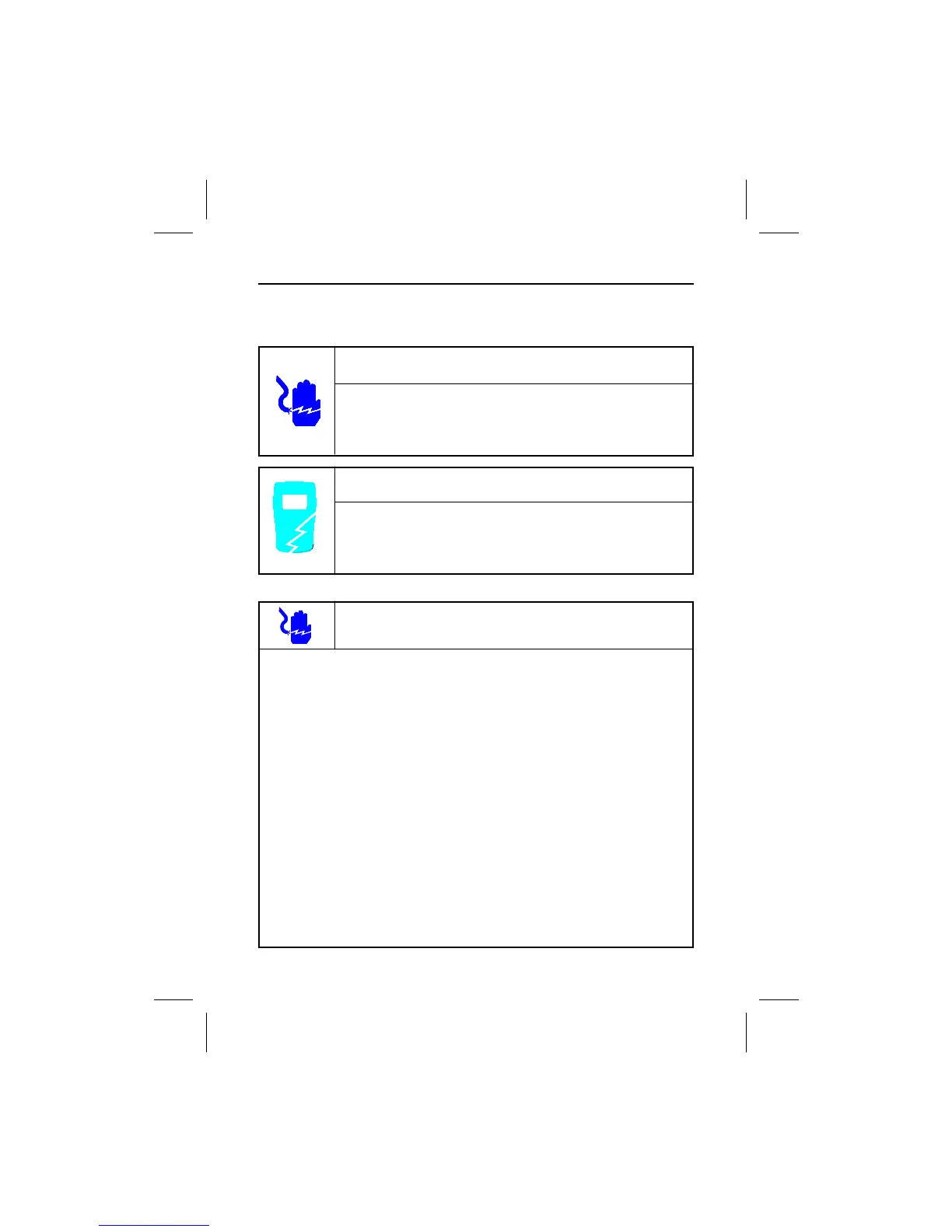
" Caution" Alert Symbol
A " Caution" Statement: identifies conditions
and actions that could DAMAGE the meter or the
equipment under test.
Warnings
"
Warnings
"
and
"
Cautions
" :
˙ When using test leads or probes, keep your fingers behind the finger guards.
˙ Remove test lead from meter before opening the battery door or meter case.
˙ Use the meter only as specified in this manual or the protection by the meter
might be impaired.
˙ Always use proper terminals, switch position, and range for measurements.
˙ Never attempt a voltage measurement with the test Lead inserted into the
A input terminal.
˙ Verify the meter’s operation by measuring a known voltage. If in doubt, have
the Meter serviced.
˙ Do not apply more than the rated voltage, as marked on meter, between
terminals or between any terminal and earth ground.
˙ Do not attempt a current measurement when the open circuit voltage is
above the fuse protection rating.
Check the open circuit voltage with the voltage function.
˙ Only replace a blown fuse with one of the proper rating as specified in this
manual.
˙ Use caution with voltages above 30 Vac rms, 42 Vac peak , or 60 Vdc.
These voltages pose a shock hazard.
" Warning" Alert Symbol
A "Warning" Statement identifies hazardous
conditions and actions that could cause BODILY
HARM or DEATH.
Safety


 To Next Page