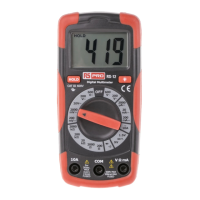
8
Making Basic Measurements
Preparation and Caution Before Measurement
: Observe the rules of Warnings and Cautions.
When connecting the test leads to the DUT (Device Under Test) connect
the common (COM) test lead before connecting the live lead ; when removing
the test leads, remove the test live lead before removing the common test lead
.
The figures on the following pages show how to make basic measurements.
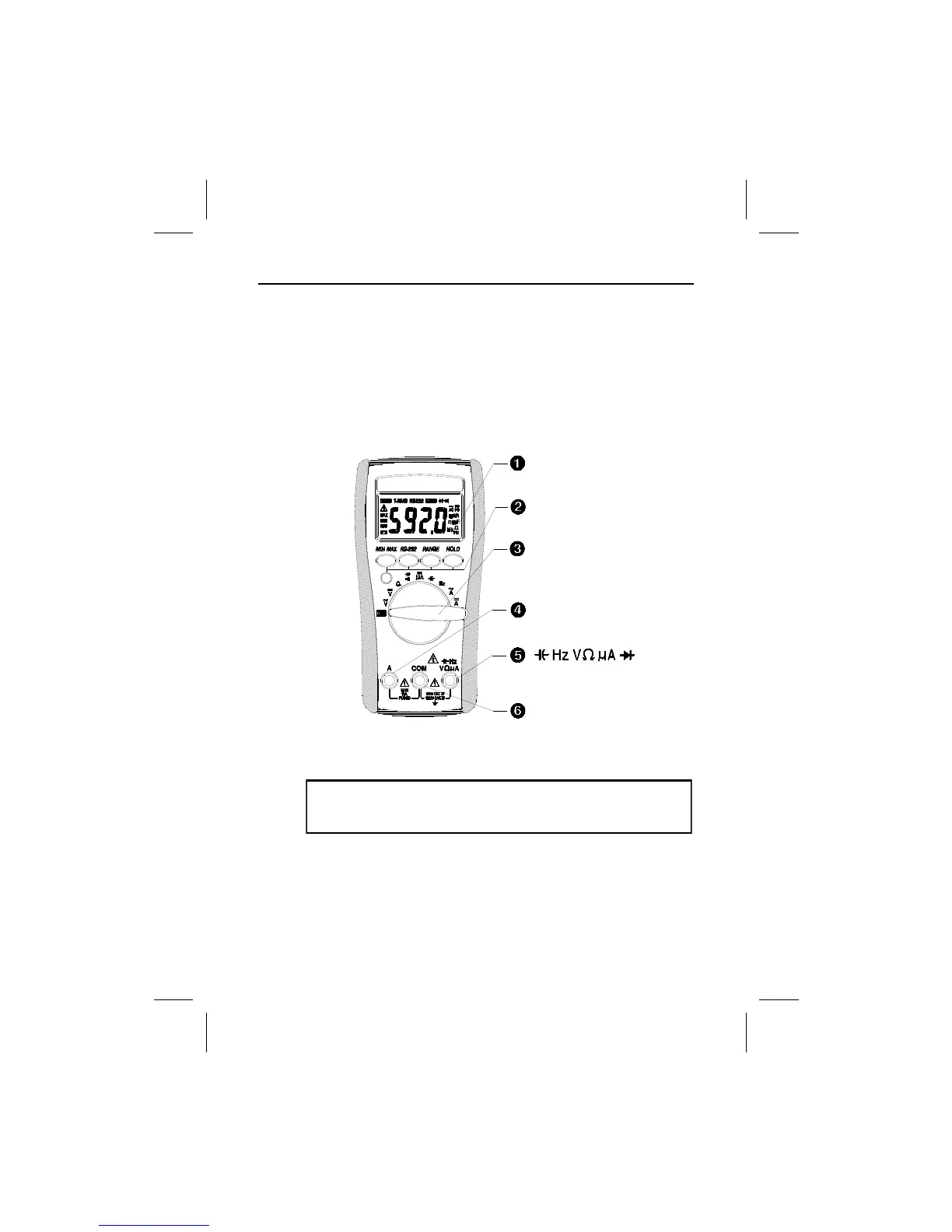
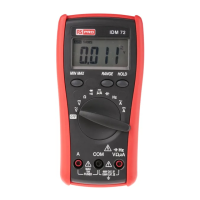
The Meter Description
Front Panel Illustration
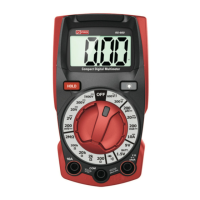
1. 6000 count LCD display.
2. Push-buttons for features.
3. Rotary switch to turn the power on or off and to select a function.
4. Input terminal for A current function.
5. Input terminal for all functions EXCEPT current (A) functions.
6. Common (Ground reference) input terminal for all functions.
Introduction


 To Next Page