13
Output
Checking
To
ensure
the
instrument
is operating
correctly,
please check the output voltage and current before load is connected.
1.
Output
voltage
checking
(1)
With
the
instrument
no
load,
turn
on
the
power,
and
make
sure the current value displaying is not zero
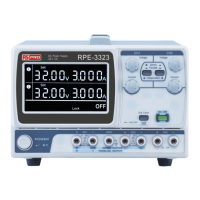
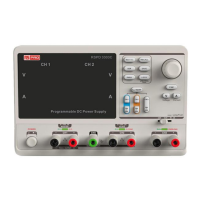
(2) Check the output voltage of CH1/CH2
Turn on CH1/CH2 channel and the instrument will work
in
CV
mode.
Check
whether
the
voltage
value
is
adjustable from 0V to 32V.
2.
Current
output
check
(1) Turn on the power.
(2) Check the output current of CH1/CH2.
Use an insulated wire to connect the positive and negative
terminal of CH1/CH2
(3) Turn on CH1/CH2
Select voltage and revolve the knob to set the value to 32V
Select current and revolve the knob to set the value to 0A
Check
whether
the
current
value
is
adjustable
from
0A
to
3.2A.


 To Next Page