18
CH1/CH2
Series
Mode
Instruction
:
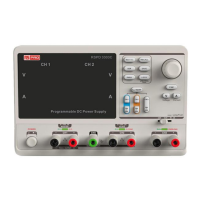
In the series mode, CH1 and CH2 are linked internally
into
one
channel
controlled
by
CH1.
The
output
voltage
value
is
twice
compared
with
that
of
single
channel.
Output ratings 0~60V/0~3A (Max: 64V, 3.2A)
Operation
steps
:
1. Press the SER to start the Series mode, and the indicator light
turns bright
2.
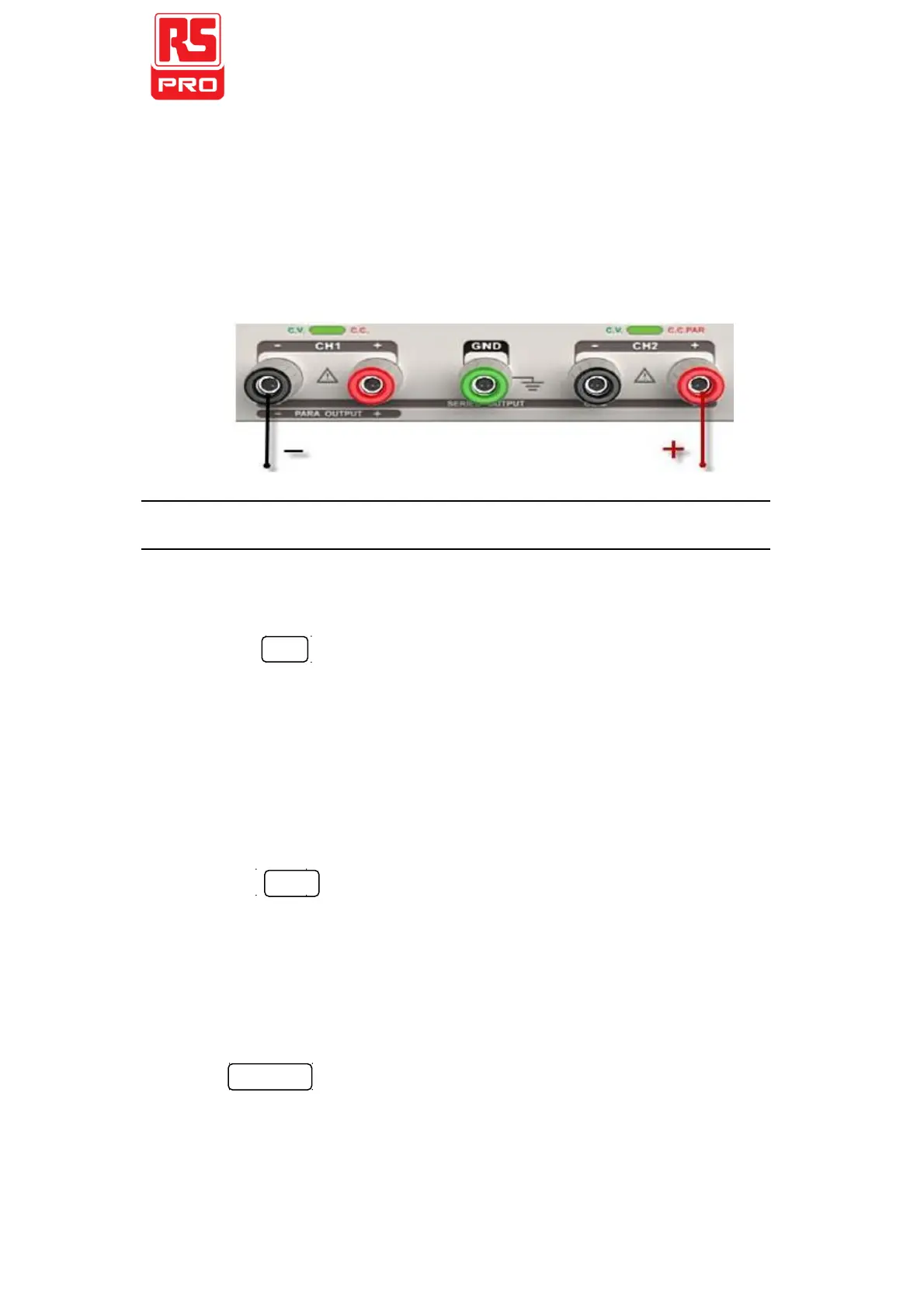
Connect the load to the positive terminal of CH2 and the
negative terminal of CH1
3.
Turn on CH1 and set its current value to 3A. In the default setup,
the instrument works in “Coarse”, you can turn to “Fine” by
pressing FINE
Coarse: 0.1V or 0.1A each step
Fine: the least precision each step
4.
Turn on CH1and set the output voltage/current value by
revolving the multi-function knob
5.
Press ON/OFF button to open the output.
Note:
You can identify the current working state “CC” or “CV” by
referring to the indicator light.(red means CV, green means CC).


 To Next Page