10
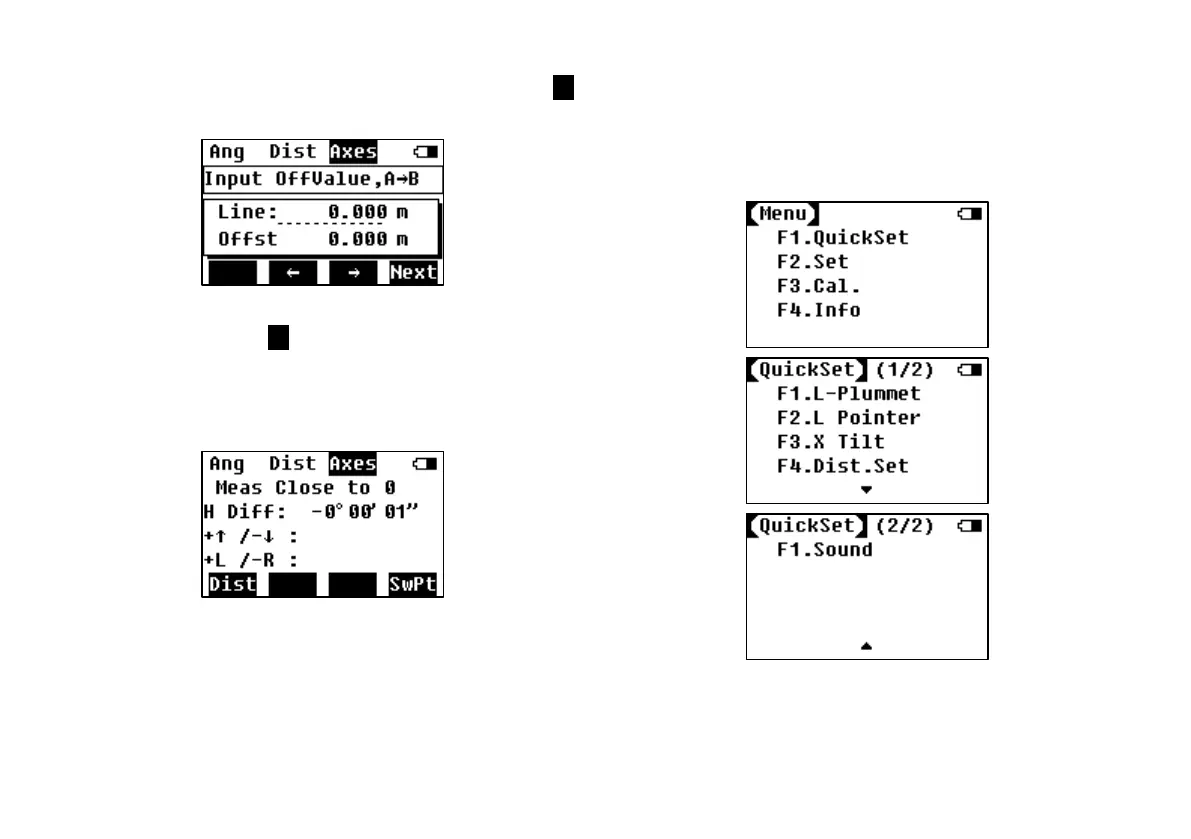
Step 2: Input the line and offset values, press F4
to next step.
Step 3: Press F1 to measure. Indicate the
poleman to move the prism according to the
indications on the screen, until all the values on
the screen are 0.
7. QUICK SETTING
There’re 5 settings in QuickSet: laser plummet, laser
pointer, compensation on X axes, distance setting,
backlight and sound.
7.1 Laser Plummet
It is to open the laser plummet fast. You can also



 To Next Page