11
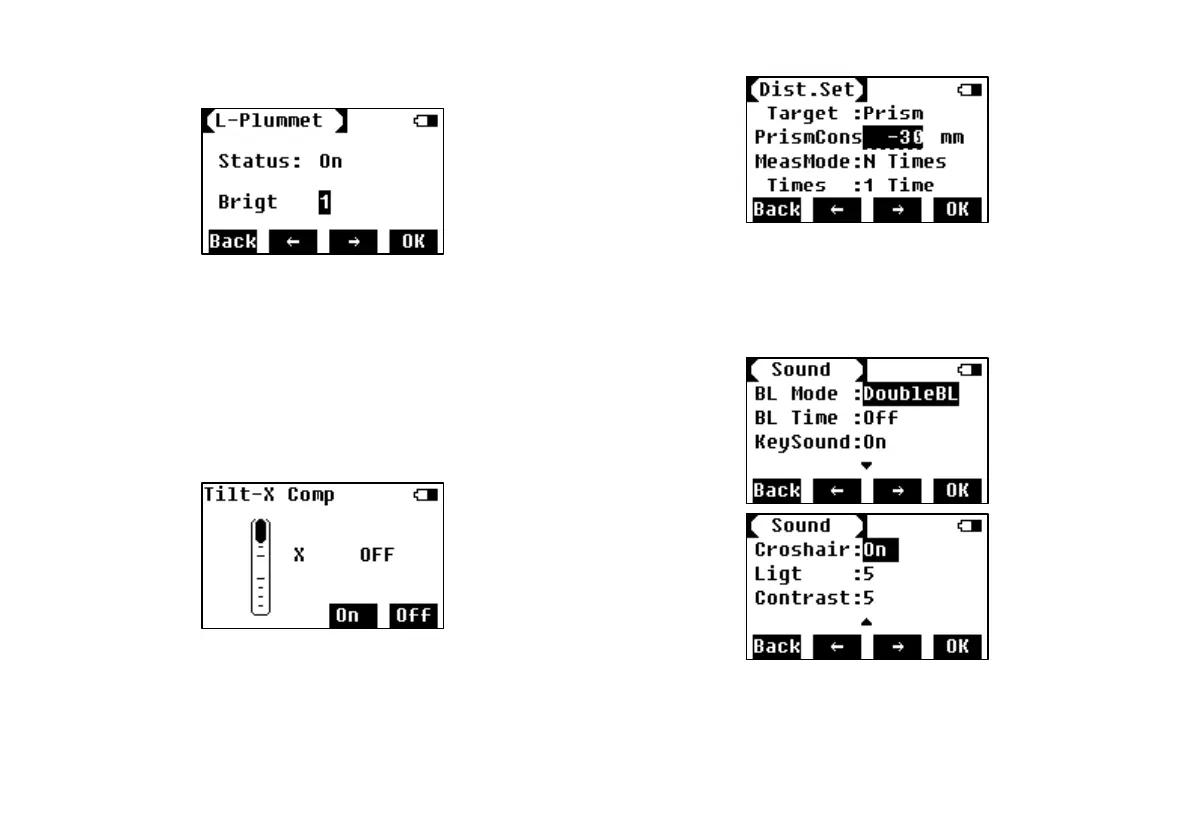
set the brightness grade.
7.2 Laser Pointer
Press F2 to turn on laser pointer.
7.3 Compensation on X
To turn on and off the compensation on X axis,
and check the tilt value.
7.4 Distance Setting
To set various settings of distance measurement.
7.5 Backlight and Sound
To set the screen backlight, beep of pressing
key, crosshair backlight.



 To Next Page