Need help?
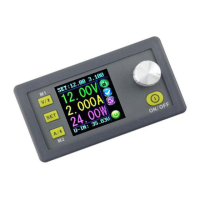
Do you have a question about the RuiDeng RK6006-C and is the answer not in the manual?
Introduces the Constant Voltage and Constant Current DC Power Supply manual.
Lists the items included in the RK6006 package.
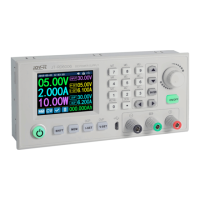
Details the controls and display on the front panel.
Details the connections and switches on the rear panel.
Overview of the main interface, navigation, and basic operations.
Setting voltage/current, storing, and recalling data groups.
Configuring system settings and customizing the interface appearance.
Managing data groups and viewing system details.
Steps for downloading and installing the Android application.
Navigating and using the Android application's features.
Steps for downloading and installing the iOS application.
Navigating and using the iOS application's features.
Installing the necessary drivers and PC software.
Connecting the PC software to the device and basic usage.
Details on basic, advanced, calibration, and update functions.
 General
| Brand | RuiDeng |
|---|---|
| Model | RK6006-C |
| Category | Power Supply |
| Language | English |

 To Next Page