When the phone mobile data is available, select in the app, load
the map data of the area which intended to fly.
Connect the drone's WiFi on the phone, view the map by clicking
on the app.
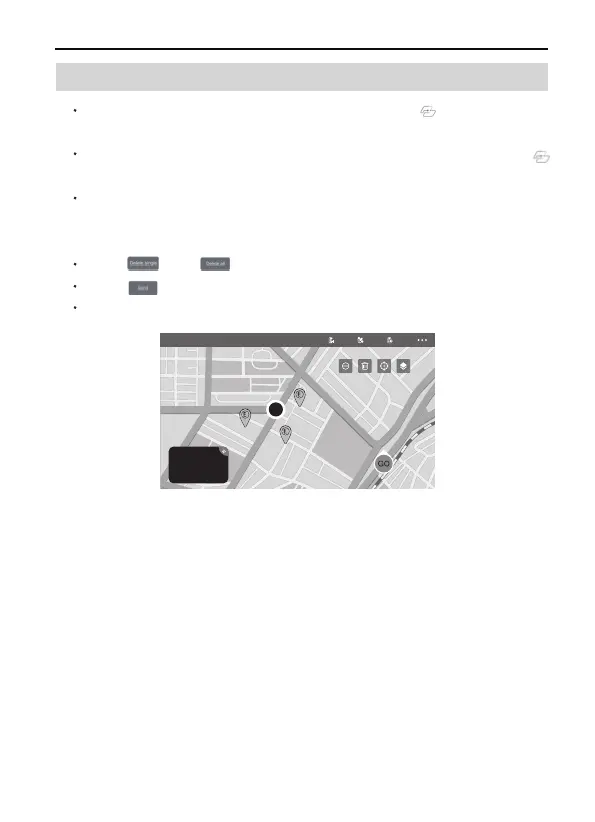
The red circle is the limited flight range for this function, click to set
points within the red circle to execute the wayponint flight function
(16 points the most).
Click and to reset the points of flight route.
Click , confirm to start Waypoint Flight.
Push the Direction Joystick to cancel the Waypoint Flight .
F11GIM2 User Manual
Copyright ©2022 Ruko All Rights Reserved.
30
9.2 Waypoint Flight



 To Next Page