If the drone keep searching for GPS but no success because
of weak GPS signal, keep pressing the button to turn off
the GPS Mode and switch to Manual Control mode, so that it is
able to get the drone take-off. Howerer, under Manual Control
mode, there is high risk that the drone will fly away with the
wind, as no GPS positioning assisted.
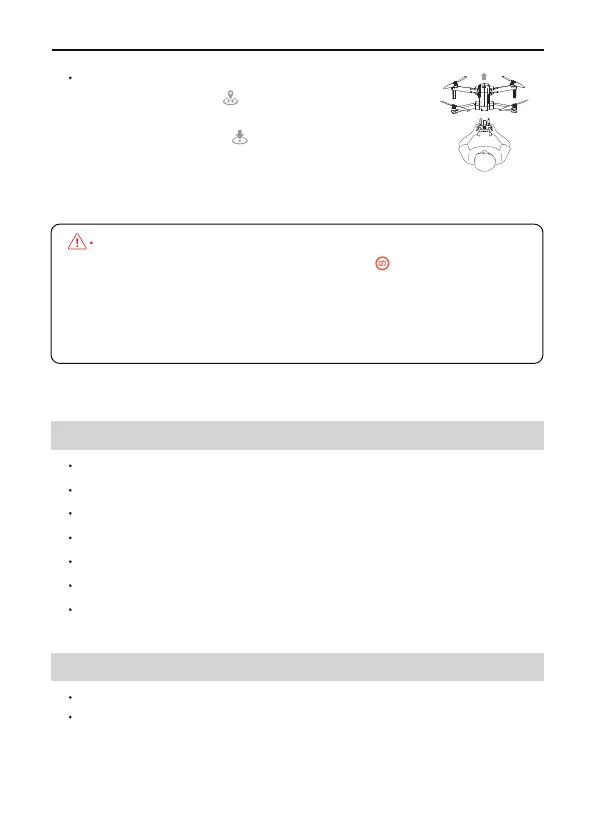
Step 6: 3 Ways to land the drone
Press the RTH button , drone will return to the
Home Point.
Press the land button on the app, the drone
will land directly.
Keep pulling Throttle Joystick down until the
drone lands and motors stop.
F11GIM2 User Manual
Copyright ©2022 Ruko All Rights Reserved.44
Always keep the head
of drone facing forward
15.2 Gimbal Stabilization
Machanical Range: Tilt About -100°TO+70°, Roll About -35°TO+35°
Controll Range: Adjusted angle of camera (up and down): About -80°
TO+0°
MODEL: F11 GIM2
Weight (Including Battery): 585g/20.6oz
Flight Time: About 28 mins
Motor Model: 1806
Operating Temperature Range: 32° to 104° F ( 0° to 40° C)
Satellite Systems: GPS/GLONASS
Dimensions (LxWxH): Unfolded: 45X40.5X8(cm)
Folded: 17.6X10.5X8(cm)
15 Specifications
15.1 Drone



 To Next Page