F11GIM2 User Manual
Copyright ©2022 Ruko All Rights Reserved.
34
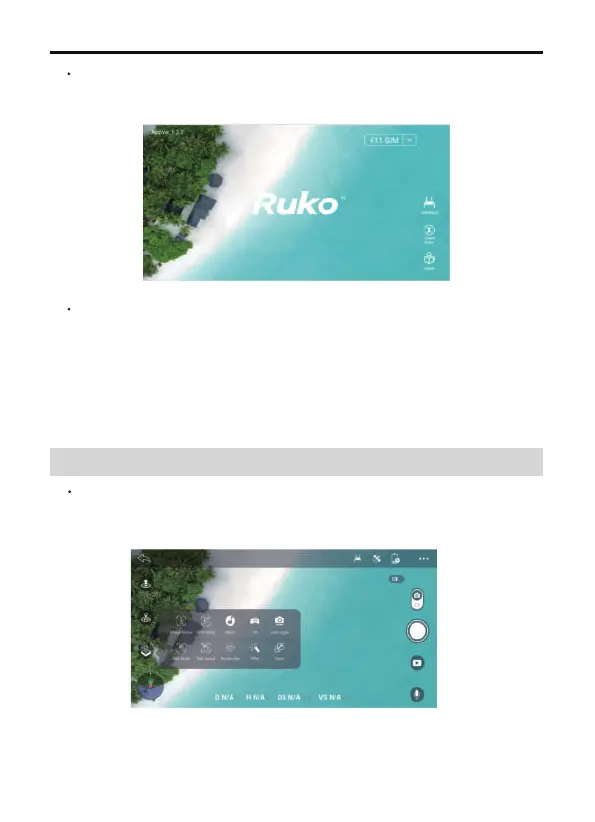
Once the drone WiFi has been connected, the app will recognize the
drone model and connect automatically.
Wait until the drone status says "Ready to Fly" before initiating flight,
access to the control interface.
CONTROLS: tap to access the instant video transmission and drone
control interface.
LEARN TO FLY: tap to watch the guide video.
GUIDE: tap in to read the manual, and watch instructional videoes.
11 APP Functions
11.1 Control



 To Next Page