Flight Setting and Out of Beginner Mode
While the drone is under GPS mode, its default mode is Beginner
Mode, Which limites the flight range: Maximum Flight Distance is
30 meters; Maximum Flight Altitude is 30 meters; Setted RTH
Altitude is 20 meters; Follow below picture to turn off the Beginner
Mode and set the proper flight setting in the app.
F11GIM2 User Manual
Copyright ©2022 Ruko All Rights Reserved.
36
The drone must be conneted with the app to save the setting.
12 APP Setting
12.1 Settings
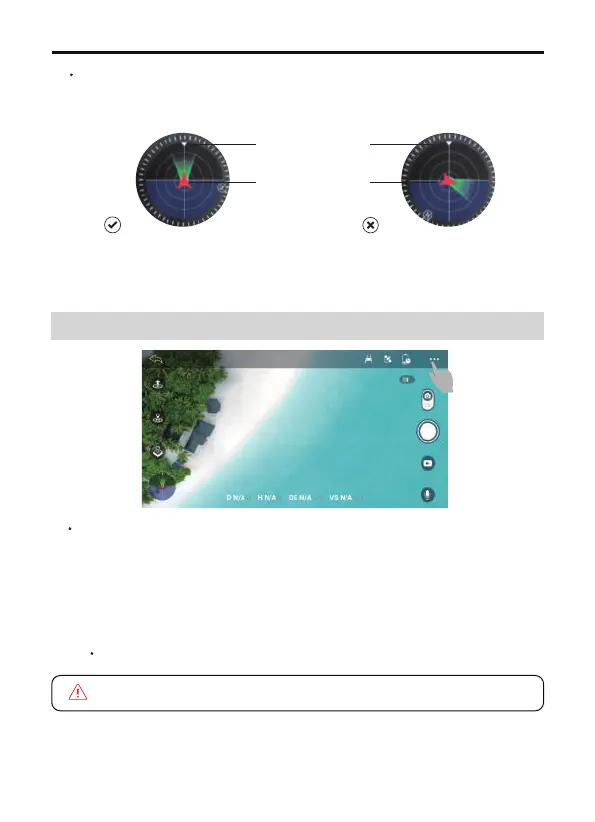
User can refer to the aircraft flight direction from the Attitude
Indicator in the app.
Aircraft
orientation
Remote controller
position



 To Next Page