F11GIM2 User Manual
Copyright ©2022 Ruko All Rights Reserved.
42
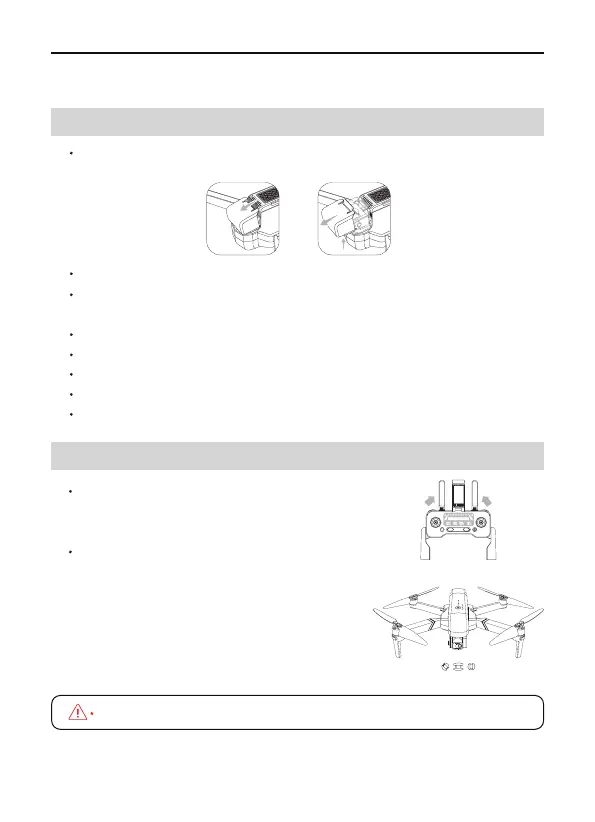
Place the drone in an open, flat area, remove the gimbal cover.
Power on the remote controller and the drone.
Wait until the remote controller and drone connectted, connect the
app, complete the calibration process.
Keep the drone camera facing forward, start the motors.
Gently push the throttle joystick up to take off.
Pull the throttle joysticks down to land the drone.
Stop the motors after landing.
Power off the drone remote controller, replace the gimbal cover.
14 Flight
14.1 Takeoff/Landing Procedures
bottom bottom
3
2
1
This connect process take around 40seconds.
14.2 Quick Start
Step 1: Turn on the controller
Power on the controller, lift up the antenna to
receive signal.
Step 2: Turn on the drone
Remove the gimbal cover gently, place
the drone on a level surface, power on
the drone. All lights blinking red. Drone
and remote controller connects success-
fully, all lights flashing white and blue
then turn to flashing white and pink.



 To Next Page