F11GIM2 User Manual
Copyright ©2022 Ruko All Rights Reserved.
40
①
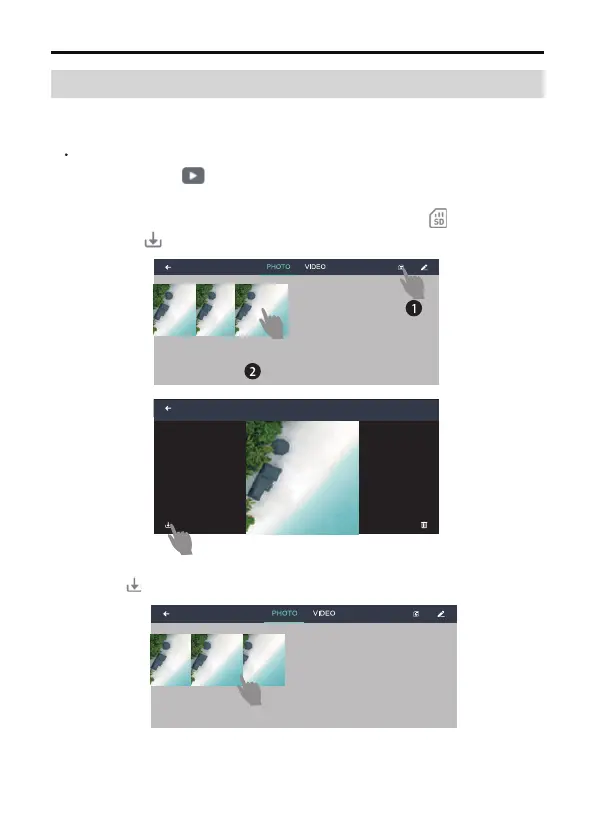
Download the picture and video from SD card, click ,choose files
and click save to the mobile album.
②
Download the picture and video from app album, choose files and
click to save to mobile album.
Connect the drone's WiFi on the phone, access to the app "control"
interface, click , either choose to download the picture and
video from SD card or app album :
13.2 How to Download the Pictures and Videos
After shooting and recording were completed, photo and video save to
both the app album and miroSD card, to download the files:



 To Next Page