F11GIM2 User Manual
Copyright ©2022 Ruko All Rights Reserved. 41
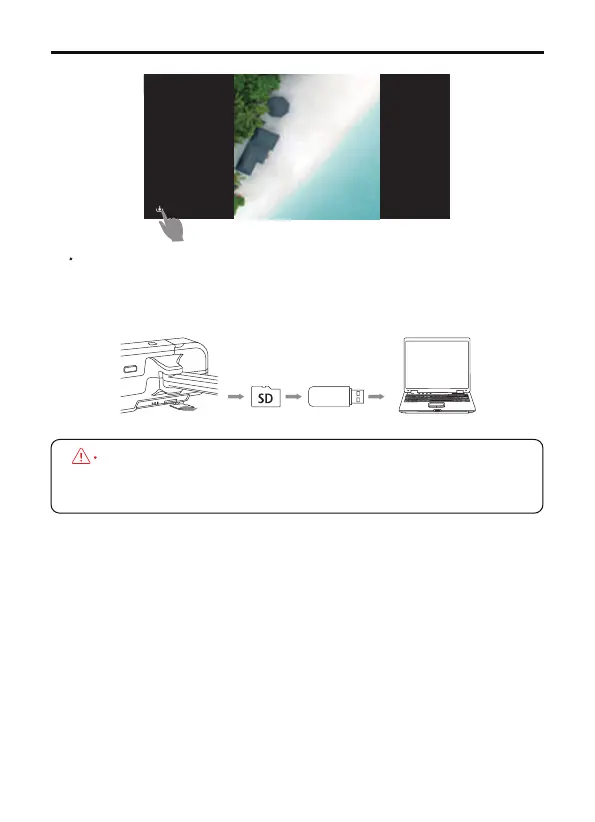
Take out the SD card from drone, insert the card into a card reader
and read the data on computer, download the video and photo into
a computer.
Video be stored in the app album will be compressed, thus
always suggest to download the video from the SD card to
get the best resolution.
SD Card(sold separately)



 To Next Page