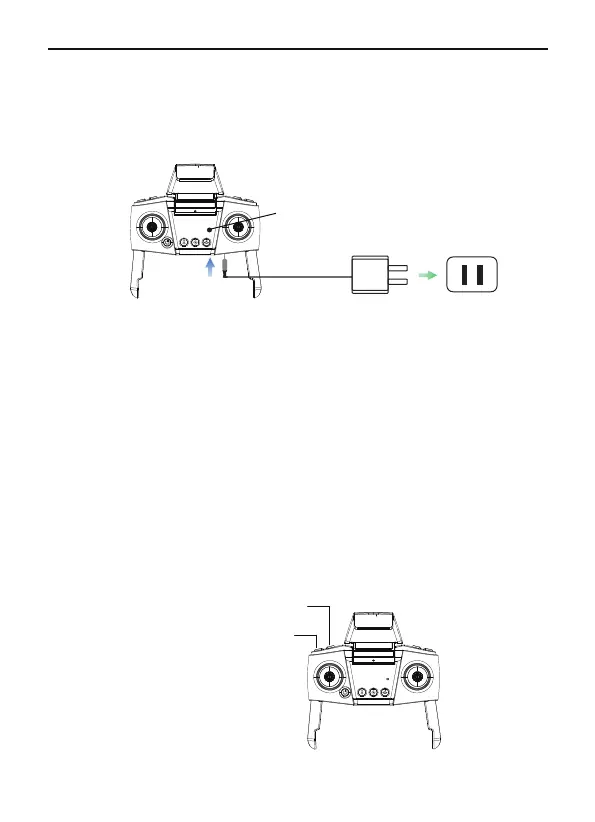
Charging the Battery
Connect the remote controller Micro USB interface to the charger for
charging, and it can be fully charged in about 50 minutes. Please
remove the charger device when fully charged.
Recording Button: Press once to switch to recordingmode or
start/stop recording.
Camera Button: Press once to switch to camera mode or take a
photo.
Controlling the Camera
①
②
Remote Controller's Light Description
Red light on: Charging
Red light off: Charging is completed
Power light:
The green light flashes when the power is turned on, and the green
light is always on after the left joystick is pushed up and down to pair
Remote controller with the aircraft well.
Blinking during flight indicates that the Remote controller is low power.
indicator light
5V=2A-3A
(Not included in package)
Camera Button
Recording Button
29Copyright ©2022 Ruko All Rights Reserved.
F11MINI User Manual



 To Next Page