50
Copyright ©2022 Ruko All Rights Reserved.
F11MINI User Manual
Turn on the power of remote controller, push the left joystick up
to 12 o'clock and pull it down to 6 o'clock to pair remote
controller with aircraft.
③
Connect the mobile phone to aircraft's Wi-Fi Perform pre-flight
inspection. open the Ruko Mini app,and enter the camera
interface.
④
After the aircraft compass calibration is completed, in GPS
mode, the indicator light on the rear arm of the aircraft turns
green and doesn't flash.
⑤
Complete the gyroscope calibration.
⑥
Unlock the motor.
⑦
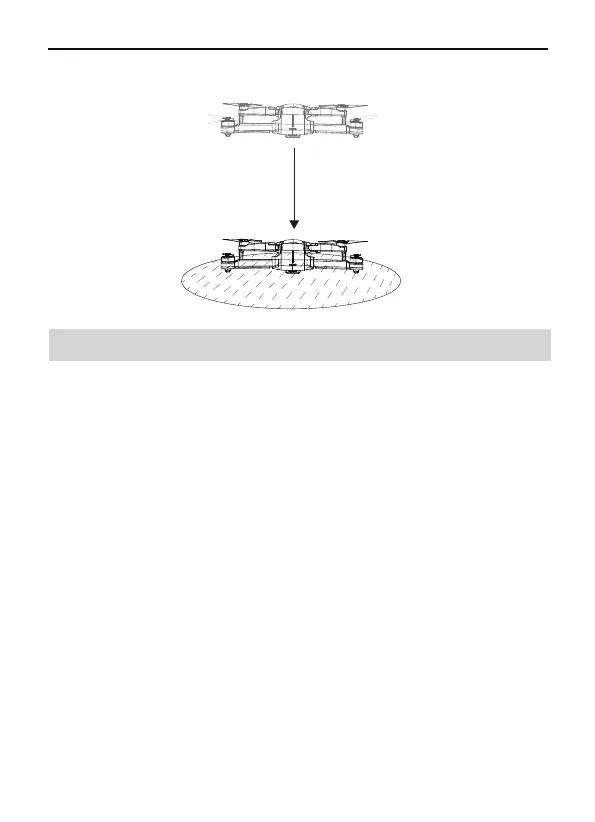
Pull down the throttle stick to lower the aircraft.
⑨
Slowly push the throttle stick upward to let the aircraft take off
smoothly.
⑧
6.9 How to take off the Ruko F11MINI Drone
The aircraft landed on the ground and turned off the motors by
itself.
③
Basic Flight Steps
Place the aircraft on a flat and open ground with the nose facing
forward and the tail facing the pilot.
Power on the aircraft.
②
①



 To Next Page