Copyright ©2021 Ruko All Rights Reserved.
11
U11Pro User Manual
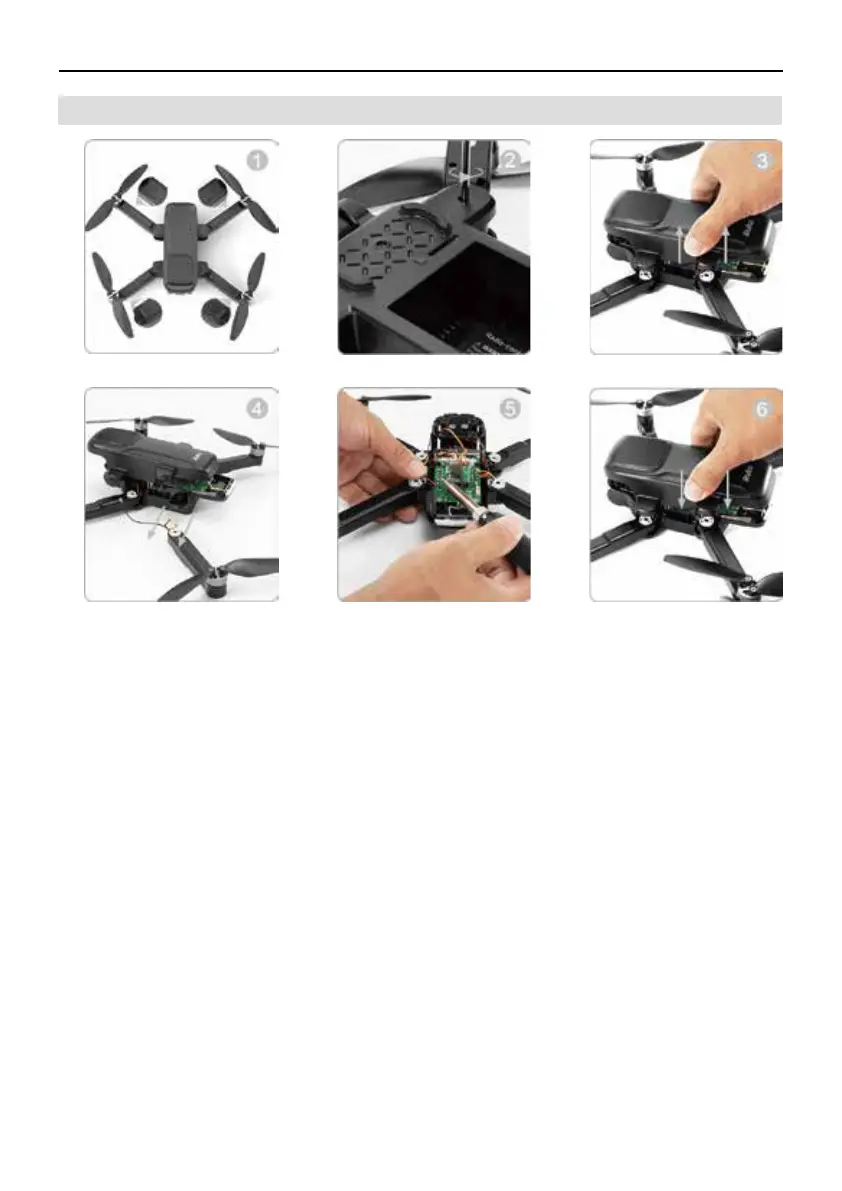
3.7 How To Replace the Arm
①
Make sure the new arm is the correct one for replacement.
Loose the screws of the arm.
②
Remove the drone cover.
③
Melt the connected wire(s) using welding tool and remove it, and then replace the damaged
arm with new ones.
④
Re-connects the wire(s) and weld firmly with the welding tool.
⑤
Securely tightened screws.
⑥



 To Next Page