Copyright ©2021 Ruko All Rights Reserved.
21
Click icon to take off, the drone will fly up automatically and keep flying at an altitude
of approximately 3.9ft.
Click icon to land, and the drone will land automatically.
U11Pro User Manual
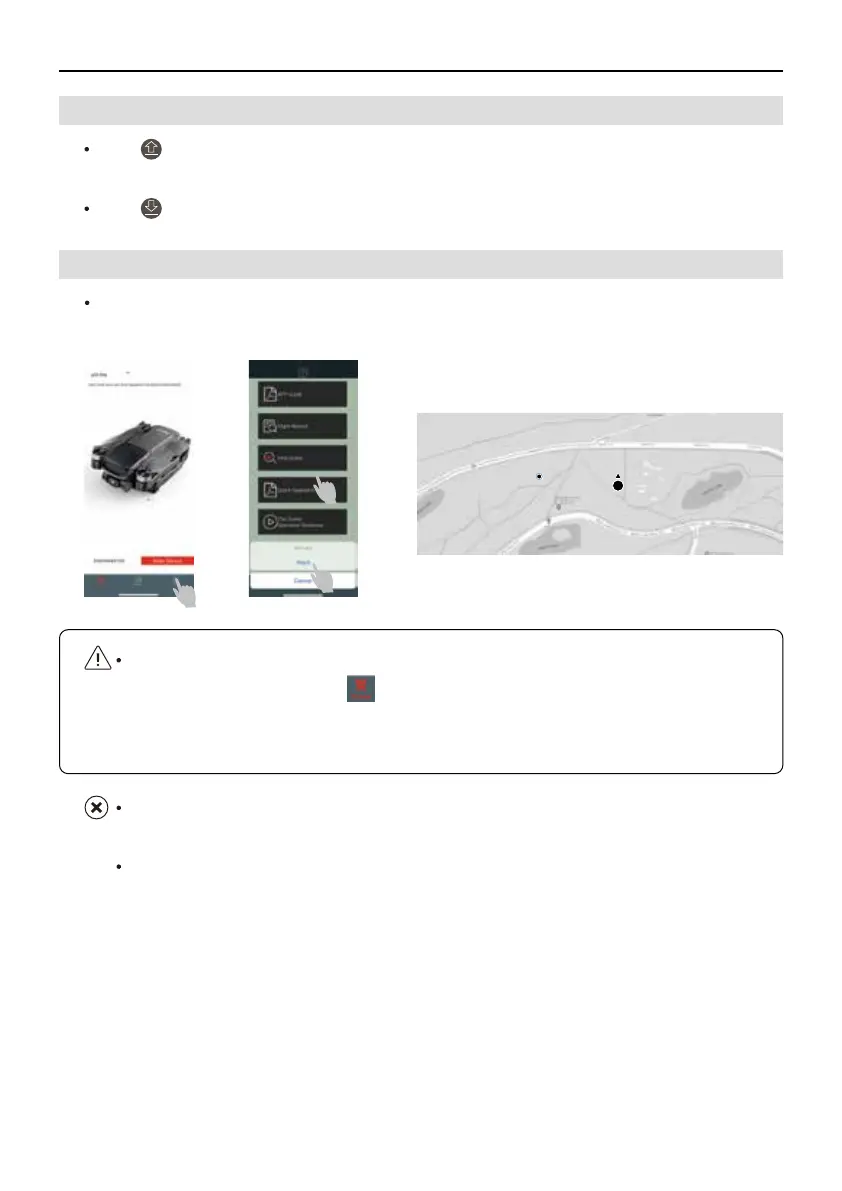
If the drone fails to return due to unexpected reasons during the flight, the Find Drone function
helps to find the location of the aircraft.
5.8 How to Find the Lost Drone
5.7 Take off/Landing
Phone Position
How to use Find Drone function?
①
Open RUKO GPS APP, tap to initiate the RUKO GPS function;
②
Select Maps,then open it.
③
Go to find the drone according to the location on the map.
The location on the map is the last recorded Flight Point,so there may be errors in the
actual position, depends on the environment.
This function can't work without GPS Mode.



 To Next Page