Do NOT remove the SD card from the drone while it is powered on. Otherwise, the
SD card may be damaged.
Before shooting important photos or videos, shoot a few images to test the
camera is operating correctly.
Make sure to power off the drone correctly. Otherwise, the camera parameters
will not be saved and any recorded videos may be damaged. Ruko is not responsible
for any failure of an image or video to be recorded or having been recorded in a way
that is not machine readable.
Click the SD card icon to format the SD card and select FAT32 as the file
system at the same time.
The capacity of SD card must be 32GB or smaller.
U11Pro User Manual
Take photos or record videos without an SD card inserted. The file will be directly stored on
the mobile device.
Insert the SD card, and the video pixels stored in the SD card are better.
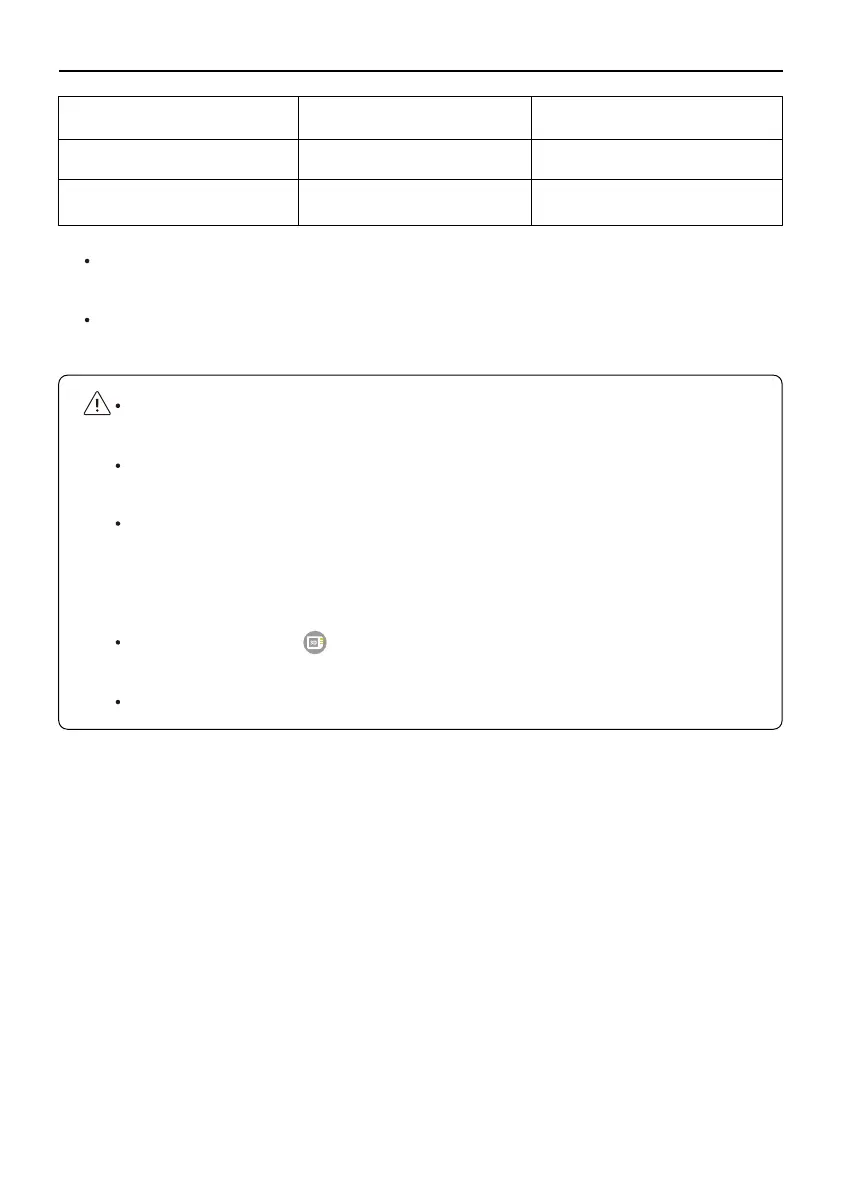
Storage Mode Photo Resolution Video Resolution
Mobile Phone 3840x2160P 1280x720P
SD Card 2048x1152P 2048x1152P
Copyright ©2021 Ruko All Rights Reserved.
7



 To Next Page