U11PRO User Manual
Copyright ©2023 Ruko All Rights Reserved.
11
5.4 About Drone FAA Registration
5.3 Camera Guidelines
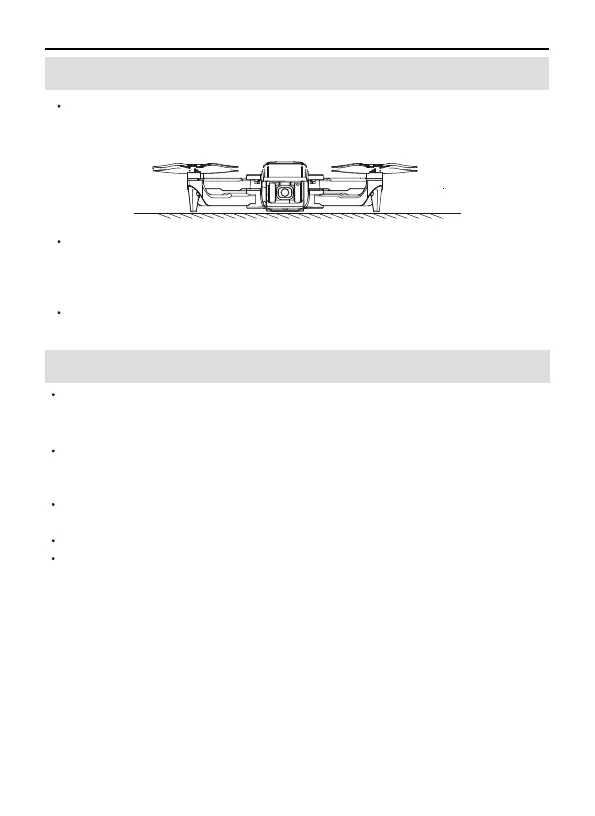
DO NOT place the drone on rough ground, please place it in a
horizontal position to make sure there is enough gap under the
camera, or the camera would be stuck.
If the camera is stuck, please place the drone in a horizontal position
without obstacles and restart the drone, then check if it can make
self-calibration, or make gyroscope calibration to check camera
self-calibration.
If not, turn off the drone, then move the camera up and down by hand.
If still stuck, please contact us for technical support.
The weight of the drone is 278g. It should follow the local laws and
register with FAA. The SN on the drone can be used as the serial code
for registration. The registration process is as follows:
The SN number is the serial number of the drone, please log in to the
FAA https://faadronezone.faa.gov/#/, and register.
When you register,
Question: IS YOUR UAS OR DEVICE EQUIPPED WITH REMOTE
IDENTIFICATION (REMOTE ID) CAPABILITIES?
Please choose: NO
Then enter the serial number--Add Device, last type this number, and
paste it on the drone. It's done.



 To Next Page