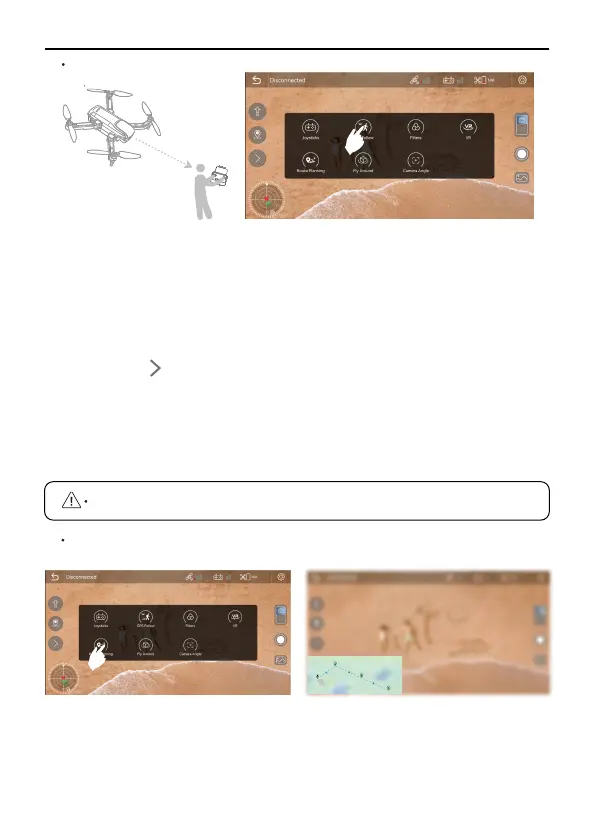
Ensure that the Ruko Fly App has been downloaded and installed
on the smartphone;
Turn on the GPS positioning of the smartphone to connect to the
Aircraft WiFi;
After the Aircraft takes off in an open environment with good GPS
signal, ensure that the flight range is within 32-164 feet(10-50
meters) for the best effect;
Tap the on the APP interface, and then click the "GPS Follow"
icon to enter the Follow Me mode;
U11PRO User Manual
Copyright ©2023 Ruko All Rights Reserved.
25
Route Planning
The aircraft turns on the Follow Me mode and locates the target
for flight movement.
Tap the icon on the APP interface again to exit the "GPS Follow"
mode.
Push the right joystick to cancel the waypoint flight function.
①
②
③
④
⑤
⑥
GPS Follow



 To Next Page