Instruments and controls 3-19
3
lightly loaded vehicle, set the adjuster to
“0”.
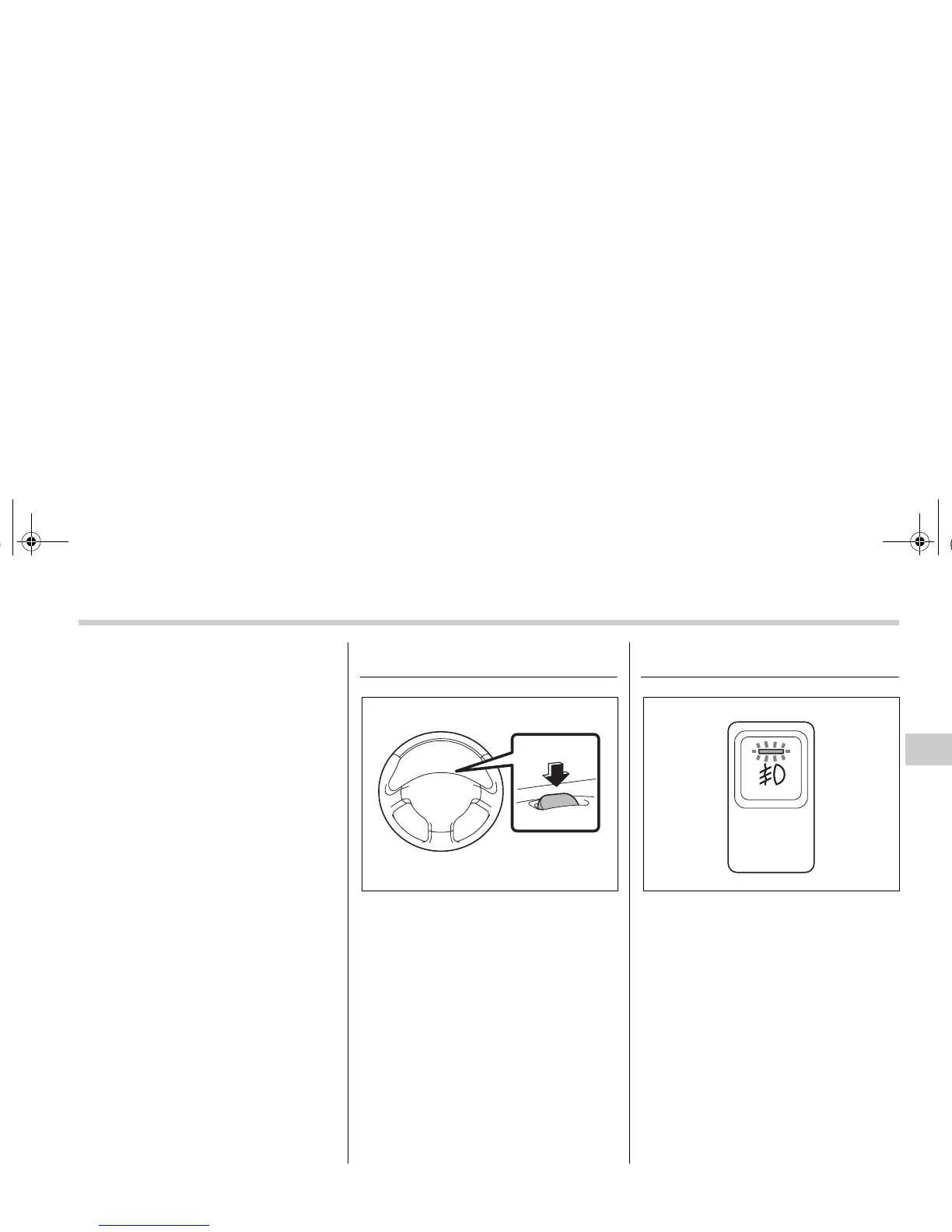
Parking light switch
The parking light switch operates regard-
less of the ignition switch position.
By pushing the front end of this switch, fol-
lowing lights will come on.
– Parking lights
– Front side marker lights
– Tail lights
– License plate lights
To turn off, push the rear end of the park-
ing light switch.
Avoid leaving these lights on for a long
time because that will run down the bat-
tery.
Front fog light button 3
The front fog lights operate only when the
headlights are on low beam. Push the
front fog light button to turn the front fog
lights on.
Press the button again to turn them off.
The indicator light located on the button
will illuminate when the front fog lights are
on.
300134 300322
A1910BE-A-G03SAAB.fm Page 19 Tuesday, September 6, 2005 8:53 AM



 To Next Page