13
Getting Started
Front Panel Keys
Press ENTER when done. If desired, use the ∧ ∨ < > keys to select a new parameter to be
edited, else press function key Apply and Exit.
Use the ESC key to undo changes and to return to the previous view.
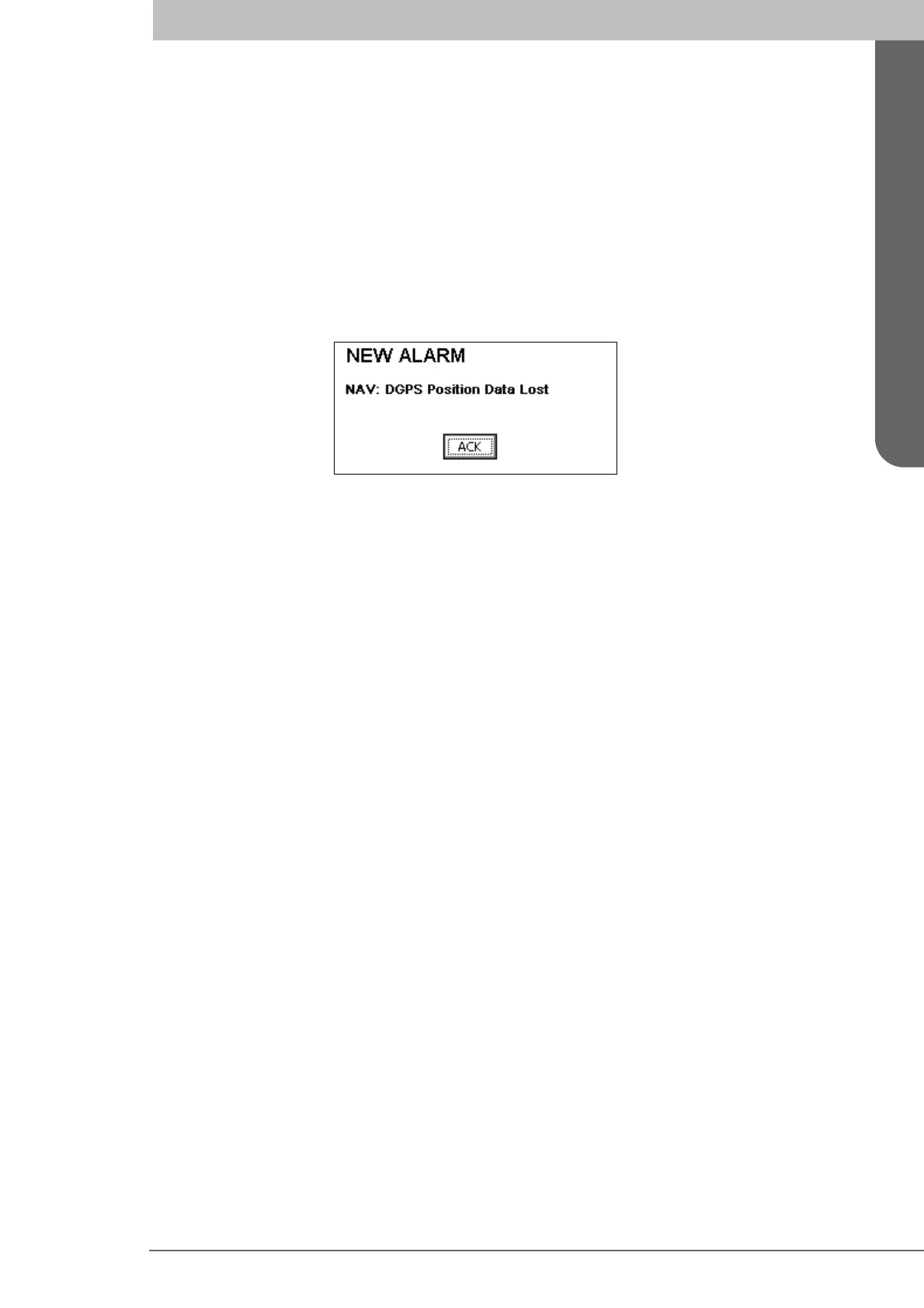
Alarm Pop-ups
The R4 Display features alarm pop-ups that can appear any time during operation. To ac-
knowledge an alarm message, press ENTER. An example is shown below.
For more information on alarms see the Reference, section “Alarm Pop-ups” on page 41.
For alarm definitions see Appendix, section “Alarm Messages” on page 123.
Turning On and Off the R4 Display
To turn on the R4 Display, press the POWER key. The LEDs on the display will blink
momentarily, indicating that the R4 Display is starting up. Any alarm active when the dis-
play is started will be indicated by Alarm pop-ups, as described above. Press ENTER to
acknowledge any present alarm, and the corresponding pop-up will be removed.
The R4 Display will power up in the Navigate mode, showing the Position view. The dif-
ferent modes and the basic operation of the R4 Navigation System are described in the
following sections.
To power off the R4 Display, press and hold the
POWER key for 3 seconds, until the
screen goes black.



 To Next Page