15
Getting Started
System Modes
Alarms & Msgs Mode
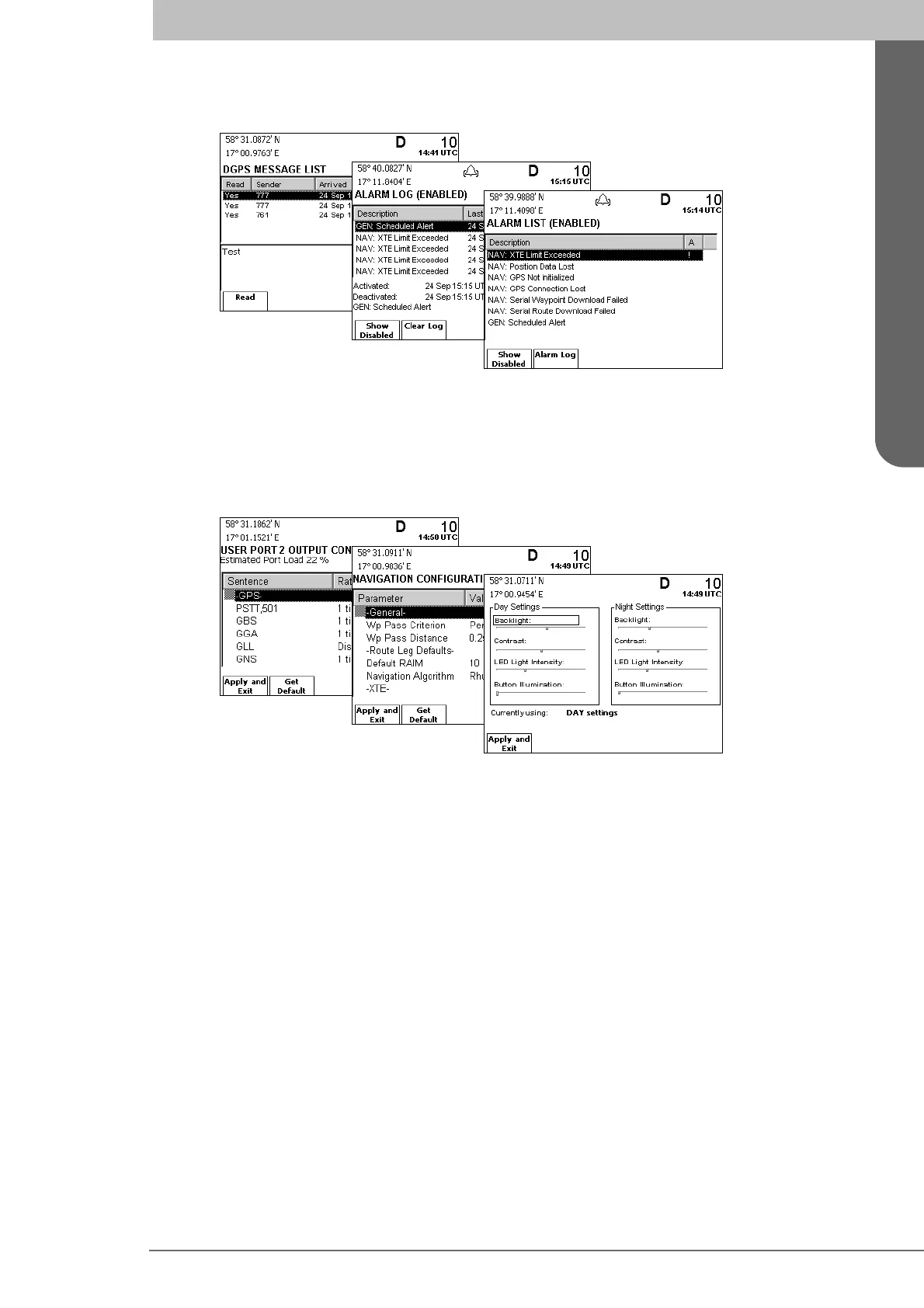
The Alarms & Msgs mode supports functions for monitoring current system status. This
includes functions for viewing present and previous alarms, definition of scheduled time
alerts, clearing the alarm log and viewing received DGPS messages. This mode is de-
scribed in detail on page 91 and onwards in the Reference chapter.
Config Mode
The Config mode comprises functions used to setup and configure the R4 Navigation Sys-
tem. It includes functions for modifying visual and sound settings, navigation settings,
disable and enable different alarms, used units, GPS and beacon settings, serial port set-
tings and viewing system information. This mode is described in detail on page 99 and
onwards in the Reference chapter.
Functions Accessible Regardless of Mode
Functions associated with the MODE, DISPLAY, MOB and POWER keys are accessible
regardless of mode. These keys provide functionality for switching system mode, chang-
ing display settings, marking the position in case of accident (MOB) or other event (event
mark) and for turning the display on and off.



 To Next Page