US English
8
59
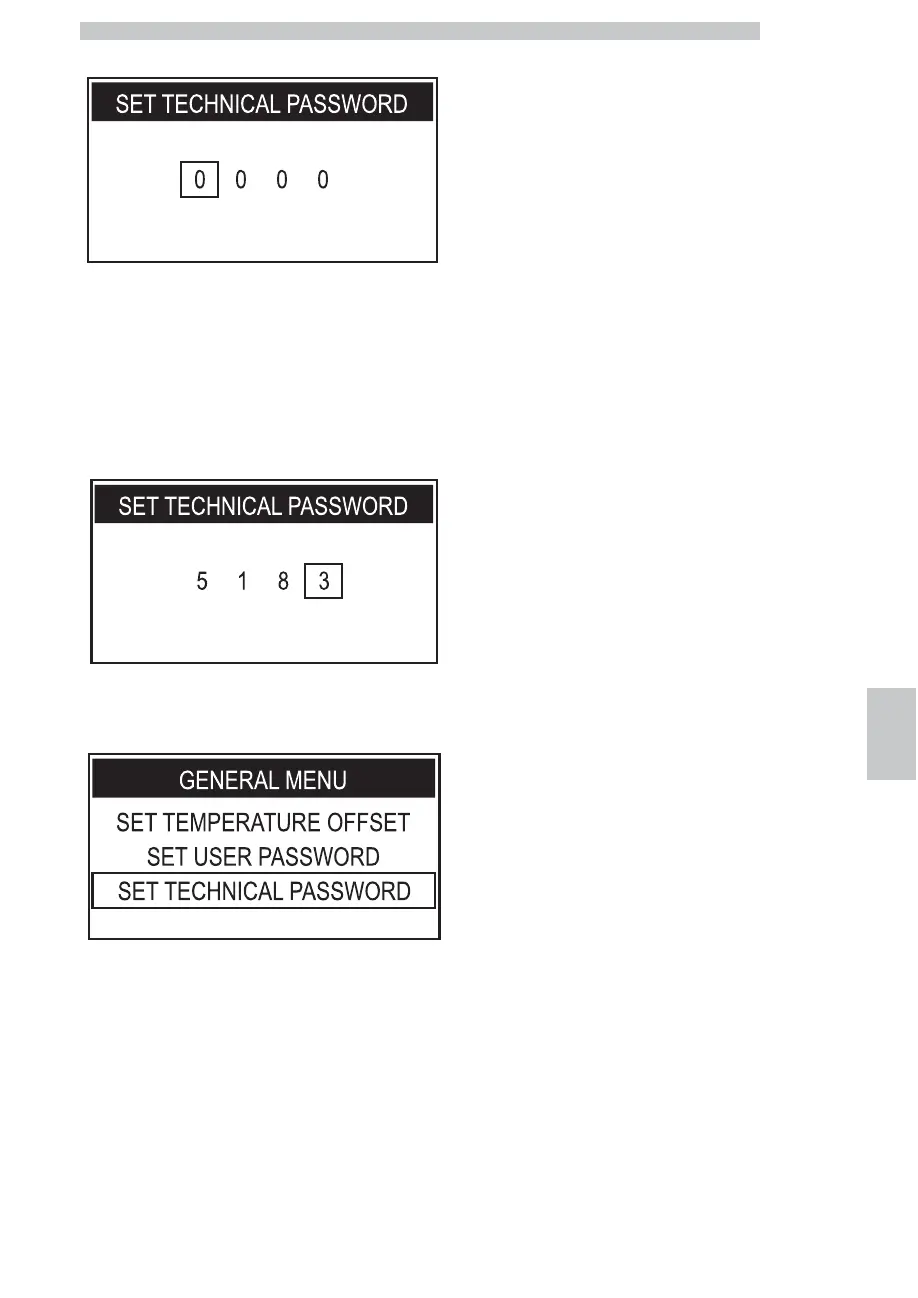
Press the "OK" button to enter.
Now the PASSWORD can be set.
Press the "DOWN" button or the "UP" button to set the
desired number.
Press the "OK" button to confirm the highlighted number
and to move on to the next number.
Carry out the procedures described in the previous steps
to set the chosen numbers.
Here is an example that explains the procedure.
When the "OK" button is pressed on the last number, the
machine saves the code and displays the following page.
Press the "ESC" button several times to exit; you will now
need to enter the PASSWORD to access the technical
menu.






 To Next Page