US English
9
76
Danger of burning!
Dispensing may be
preceded by small jets of
hot water. The steam
wand may reach high
temperatures.
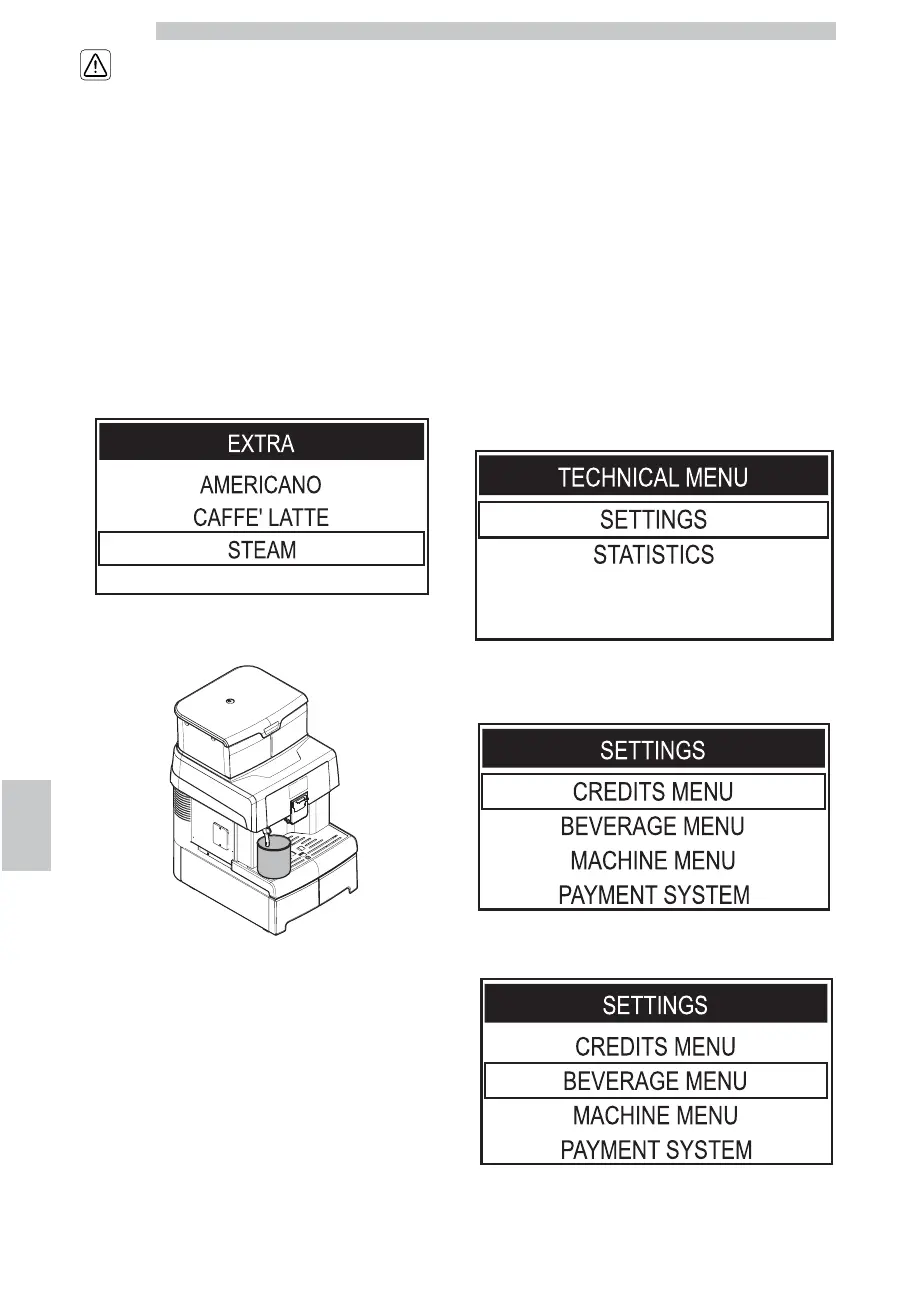
This program allows steam to be dispensed in order to
heat the beverages directly in the container.
Press the "Extra" button to access the menu.
Press the "DOWN" button to select "STEAM".
Place a suitable container under the dispensing spout.
Press the "OK" button to confirm.
The machine warms up the system. Once the required
temperature is reached, the steam dispensing procedure is started.
To stop steam dispensing, press the "Extra" button or the
"ESC" button.
Clean the steam wand with a wet cloth after use, if
necessary.
9.14 Adjusting Brewed Products
The machine allows you to adjust the product length
according to your needs and to the type of cup used.
The product length in the cup or glass can be set by two
methods:
• CONFIG. BREWING MODE
• CONFIG. WITH PARAMETERS
9.14.1 CONFIG. BREWING MODE
This method allows the product length to be set by the
service provider via keypad in visual mode. The product
quantity is adjusted while being brewed.
Switch to machine programming mode as described in
section "Access to the Technical Menu".
Select the "SETTINGS" option and press the "OK" button.
To select the "BEVERAGE MENU" option, press the
"DOWN" button.






 To Next Page