TS7000 MATERIAL HANDLER OPERATORS MANUAL - VERSION I Page 14
INDICATING STATUS LIGHTS AND DUMP OUTPUT (LEVER CUT-OFF) –
TABLE # 2
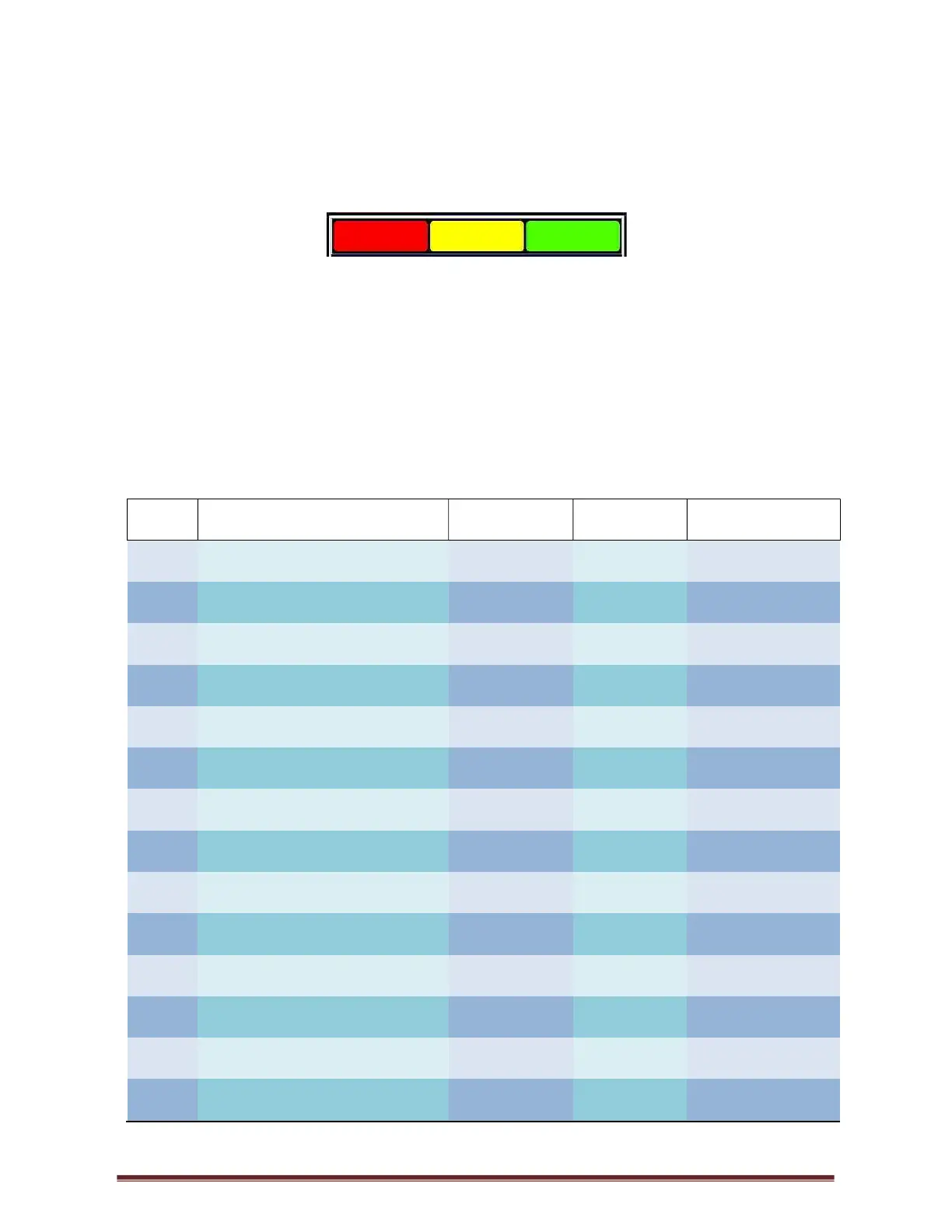
There are Three BLOCKS (RED, YELLOW & GREEN) that are illuminated like a traffic robot
situated on the top of the display screen.
These BLOCKS are illuminated depending on the working state and error conditions. These
BLOCKS are a basic way of checking the LMI.
The following chart gives you the BLOCK status, buzzer status as well as the status of the
DUMP (Lever Cut-off). DUMP the crane will cut-out and NO DUMP you are able to work. To
rectify or check the error, please check the error message chart (Table 1).
The GREEN BLOCK will be permanently on when the system is in the correct working
condition i.e. no errors
CODE
SCREEN DISPLAY
BLOCK
DUMP
BUZZER
E001 Slew Error RED ON ON
E004 90% Overload YELLOW OFF INTERMITTENT
E005 Overload RED ON ON
E008 Low Angle RED ON ON
E027 Main A400 No Coms RED ON ON
E028 Aux A400 No Coms RED ON ON
E029 M400 No Coms RED ON ON
E033 R400 No Coms RED ON ON
E034 No Load Chart Data RED OFF ON
E035 No Moment Value RED ON ON
E036 Tilt Error X Axis RED ON ON
E037 Tilt Error Y Axis RED ON ON
E040 A400 Tilt No Coms RED ON ON
E045 Main Dump Short Circuit RED ON ON



 To Next Page