TS7000 MATERIAL HANDLER OPERATORS MANUAL - VERSION I
Page 18
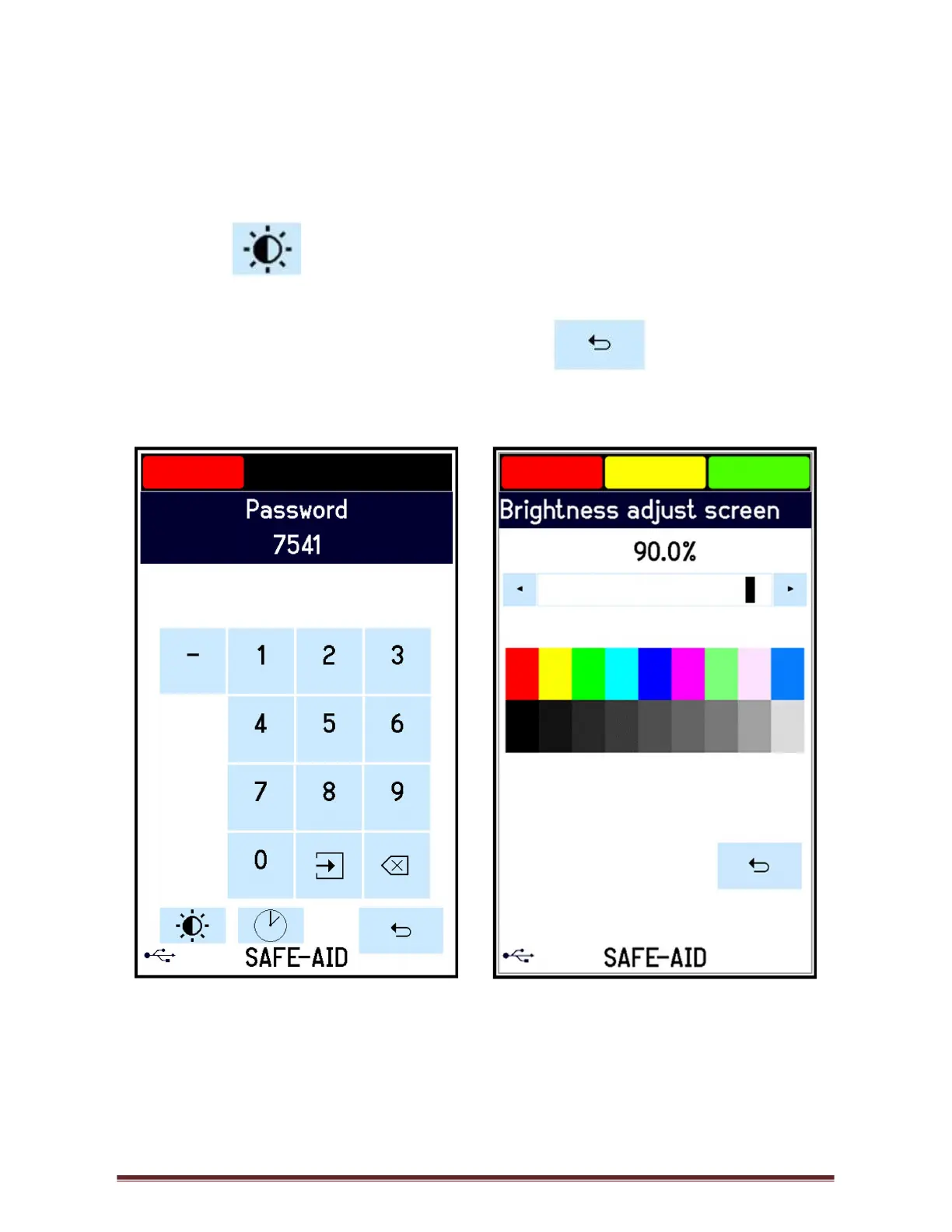
SCREEN BRIGHTNESS – FIGURES 11 & 12
The screen backlight can be set as required.
Use the following steps to adjust the screen brightness:
1. Press the top left-hand corner and the Password screen will be displayed (figure 11).
2. Press the and the Brightness adjust screen (figure 12) will be displayed. Use
the slider bar to adjust the screen to the required brightness.
3. Once the brightness has been adjusted press the button to return to the
operating screen.
Figure 11 Figure 12



 To Next Page