TS7000 MATERIAL HANDLER OPERATORS MANUAL - VERSION I Page 12
WORKING OPERATIONS – FIGURE 7
There are SEVEN different areas/places on the operating screen which can be pressed
to initiate a function.
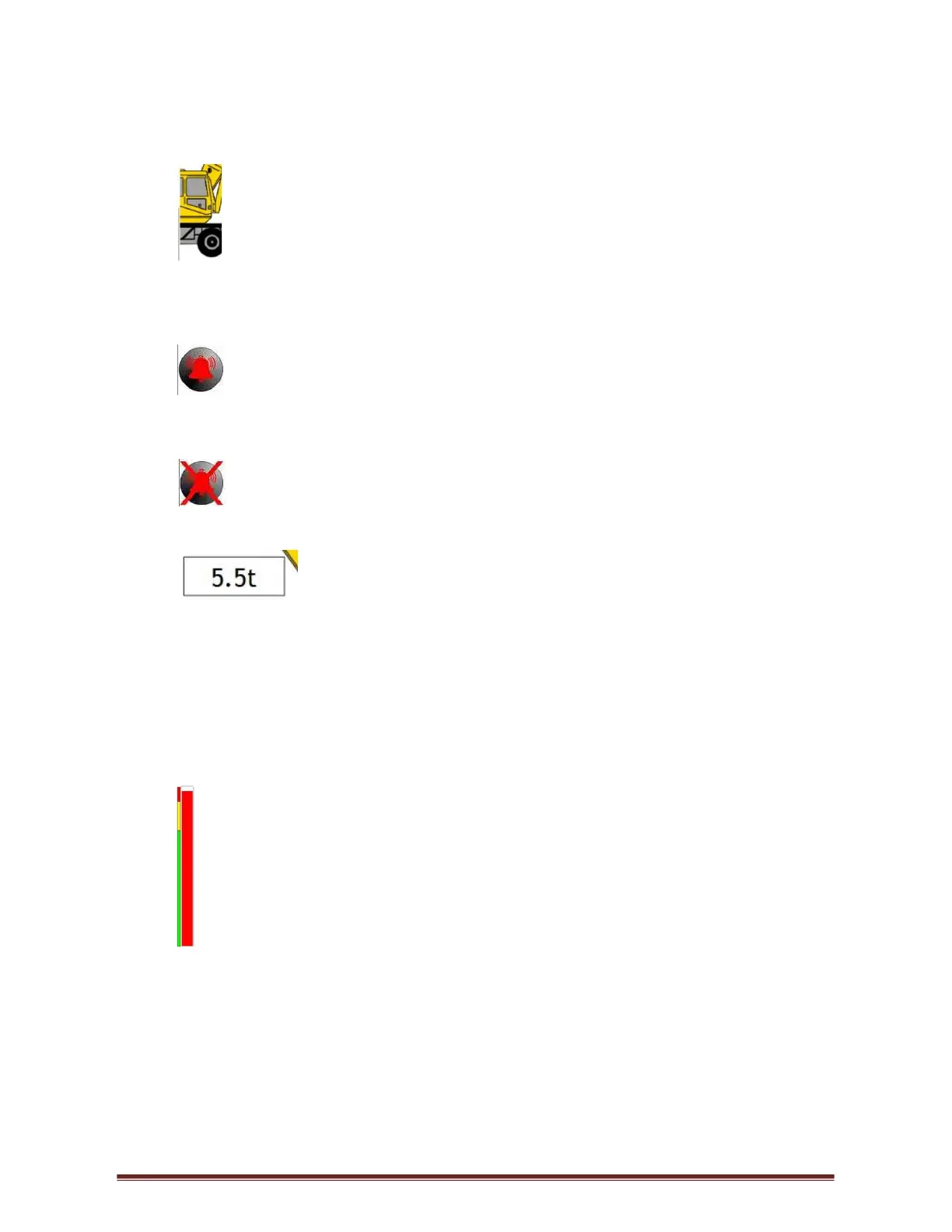
1. Configuration selection is the machine graphic on the screen. If at any given
time, the current configuration needs to be changed, press on the graphic and this will
return to the first selection as if powering up for the first time. This option is disabled
if automatic selection is configured.
2. The buzzer override which is in the bottom centre of the screen; buzzer
override will only be displayed 5 seconds after an error condition occurs. When the
buzzer override is pressed, a red cross will be placed through the picture of the buzzer
and the buzzer will shut off.
The buzzer override is needed for each alarm condition i.e. if one error has
been overridden and another error occurs the buzzer will sound again.
3. The Tare which is activated by pressing directly on the lifted load
when a load is displaying on the hook. The Lifted Load will be zeroed allowing for a
reading excluding the original weight. The original weight is still considered when
calculating the percentage of utilisation therefore the TS7000 will still give the correct
90% and 100% warnings. Once pressed, the numbers under the lifted load will flash
showing no value, only 0,0t and the GREEN LED will flash intermittently. Thereafter,
if a weight is lifted, only the weight lifted will be displayed and not the weight together
with hook block or any other additional weight. To return to the actual load, press the
lifted load again, it will stop flashing showing the actual load on the hook.
4. The momentary override which is the utilisation bar graph on the screen. By
holding your finger anywhere in this area, the dump solenoids (lever cut-off) can be
overridden momentarily (while pushing on the screen in that area).
5. Password Access - This is accessed by pressing the top left-hand corner. Once
pressed a password screen will be displayed, enter the relevant password to access
the required menu. To exit and return to the operator’s screen press Enter button.
Screen Brightness & Set Date & Time access is accessed from this menu.



 To Next Page