TS7000 MATERIAL HANDLER OPERATORS MANUAL - VERSION I Page 16
TOUCH SCREEN CALIBRATION – FIGURES 8, 9 & 10
If the touch screen is not responding correctly to touch, the touch screen may need to
be calibrated.
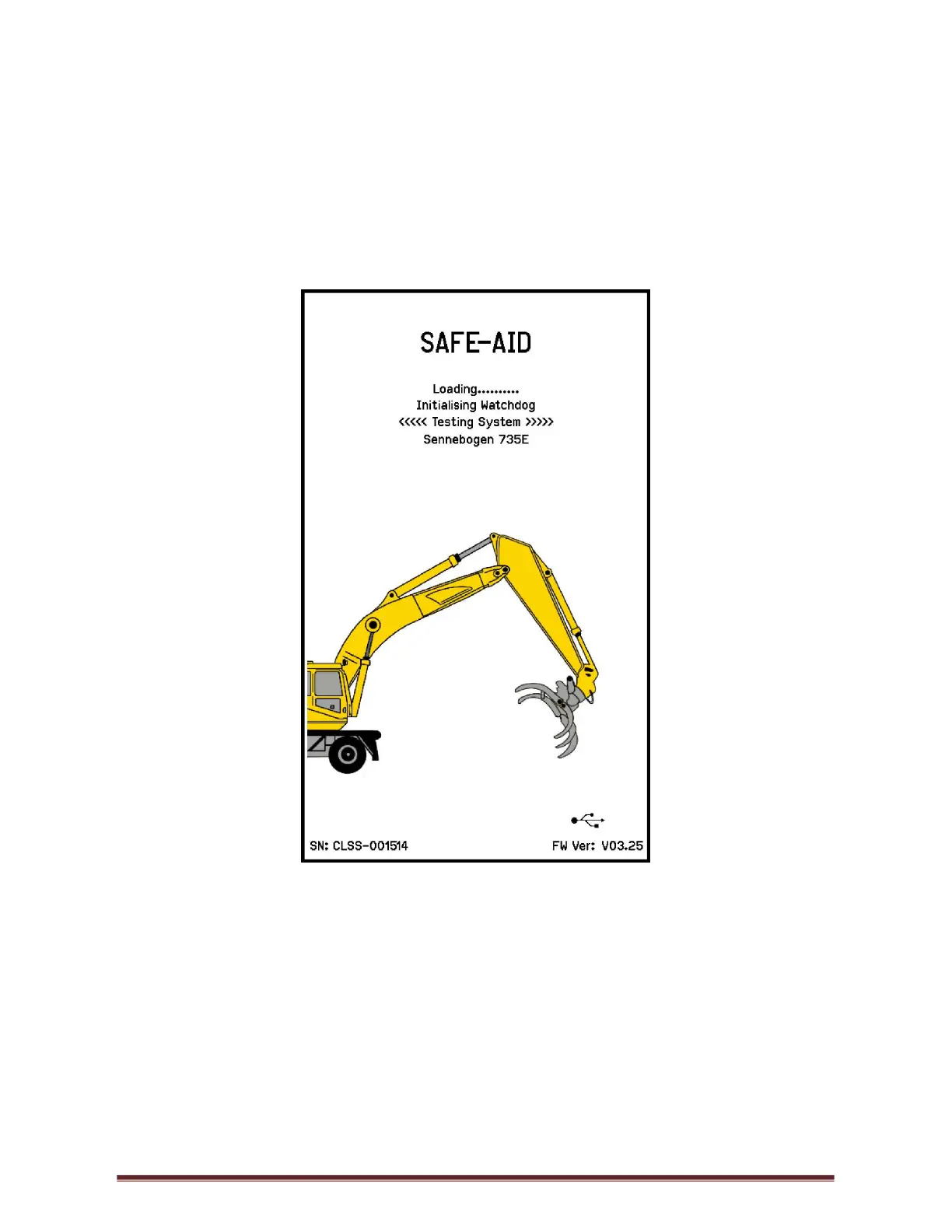
Switch the TS7000 system power off then power up the TS7000 and wait for the splash
screen (Figure 8) to appear.
Figure 8
While the splash screen is on, press and hold the screen for five full seconds in the centre
until the touch calibration is activated and loaded (Figure 9). Lift finger when prompted.



 To Next Page