TS7000 MATERIAL HANDLER OPERATORS MANUAL - VERSION I Page 4
SYSTEM USE
The TS7000 unit is designed with ease of operation in mind. The machine setup is automatic
or selected and confirmed by the operator before the system goes into its normal
operating/monitoring screen, requiring no further input from the operator unless the machine
configuration is changed, and a manual setup is required. Before this is done the machine
will remain in safe mode, i.e. the dump circuit (cut-off) will be operational (if the machine has
a dump system fitted). All inputs to the system are done by the operator via the touch screen
including the buzzer override function and momentary bypass. The touch screen is sensitive
to touch therefore it is not necessary to push hard on the screen (if touch screen does not
work or selects incorrectly see Touch Screen Calibration).
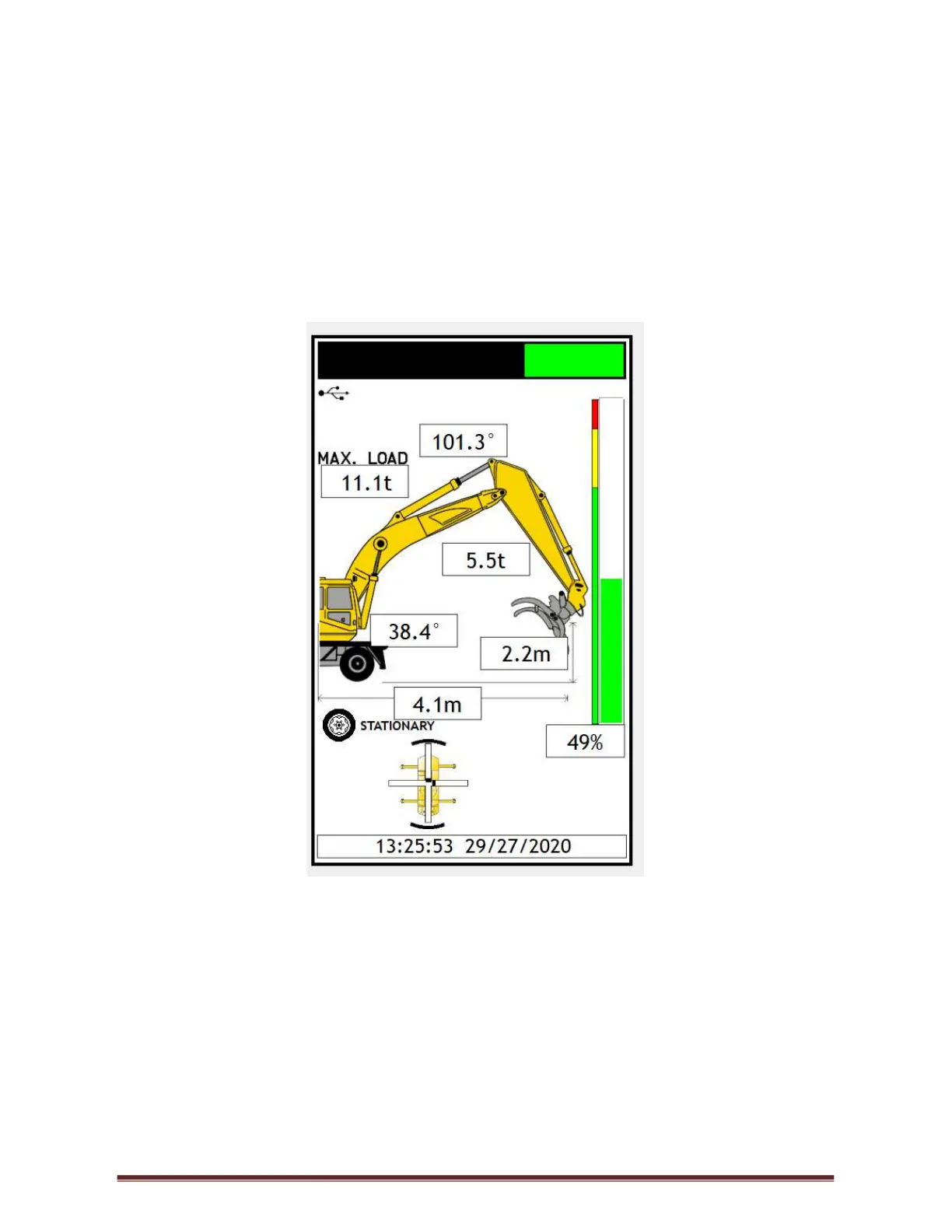
Figure 1



 To Next Page