1 - Introduction
SAGEM F@st™ 800 / 840 (PPP) User Guide - 288 047 975-03
Page 1-4 Sagem Communication document. Reproduction and disclosure prohibited
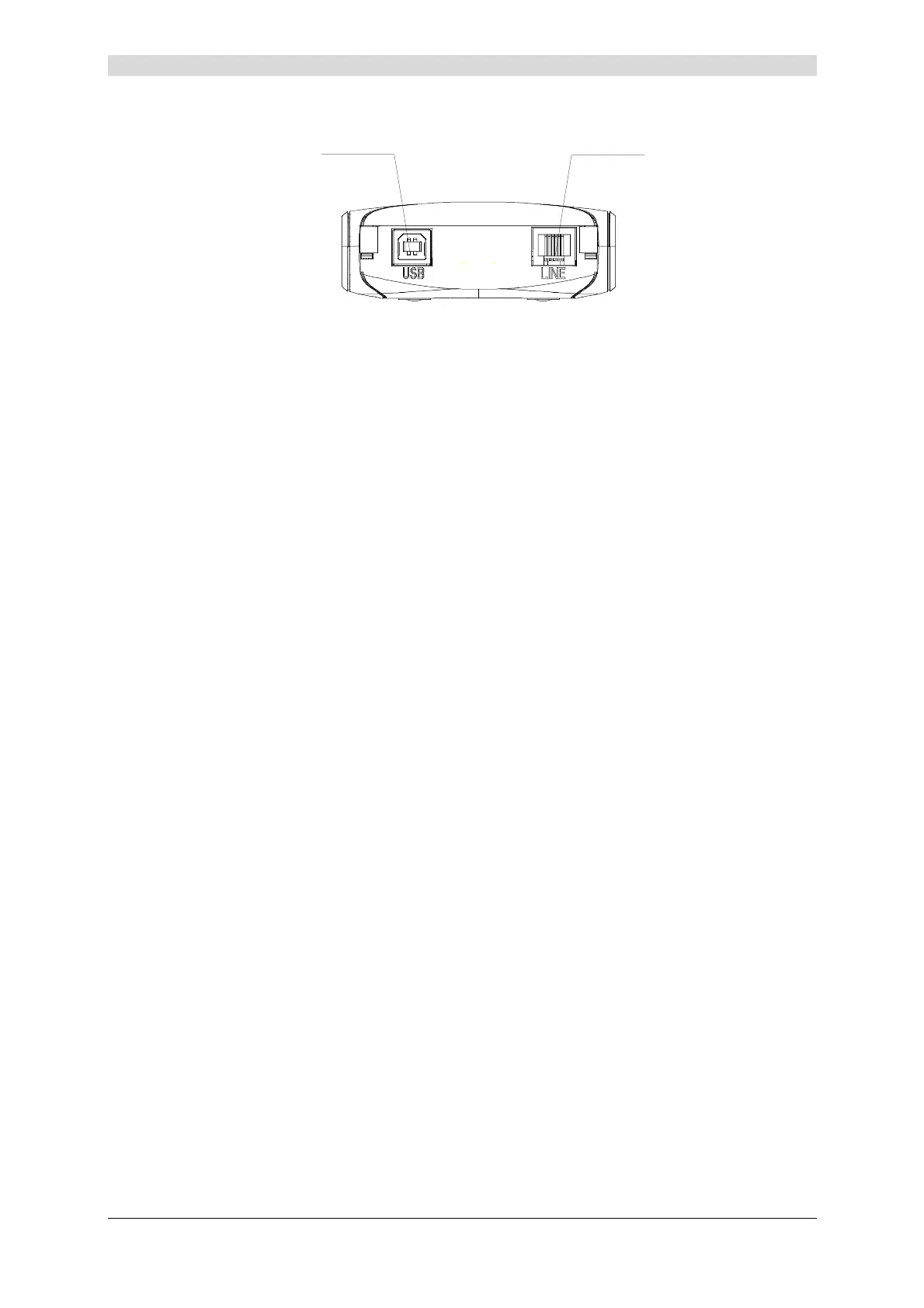
Both interface ports are at the rear of the modem casing:
Type B
USB Connector
6-way RJ11
WAN Connector
There are two LEDs on the casing, the lefthand one labeled "ADSL" and the righthand one
"PWR" (see Appendix A - Troubleshooting, for interpreting the LEDs).
Contents of
package
The package in which the SAGEM F@st™ 800 / 840 is supplied
contains
¾ One SAGEM F@st™ 800 / 840 modem
¾ One Type A / Type B USB cable
¾ One RJ11/RJ11 line cable (for SAGEM F@st™ 800 only)
¾ One RJ45/RJ11 line cable (for SAGEM F@st™ 840 only)
¾ One CD-ROM
¾ Two or three microfilters (optional).
Note: This is not an exhaustive list. The package may also contain safety instructions
and other documents.
The CD-ROM contains:
• the Windows and Macintosh drivers for the SAGEM F@st™ 800 / 840 modem.
• the SAGEM F@st™ 800 / 840 modem User Guide in pdf format.
• the Acrobat Reader™ software for reading pdf files.
Incomplete or
damaged
contents
If the package you receive is incomplete or contains damaged
items, contact the Internet Access Provider (IAP) supplying your
SAGEM F@st™ 800 / 840 modem



 To Next Page