Error! Style not defined.
20
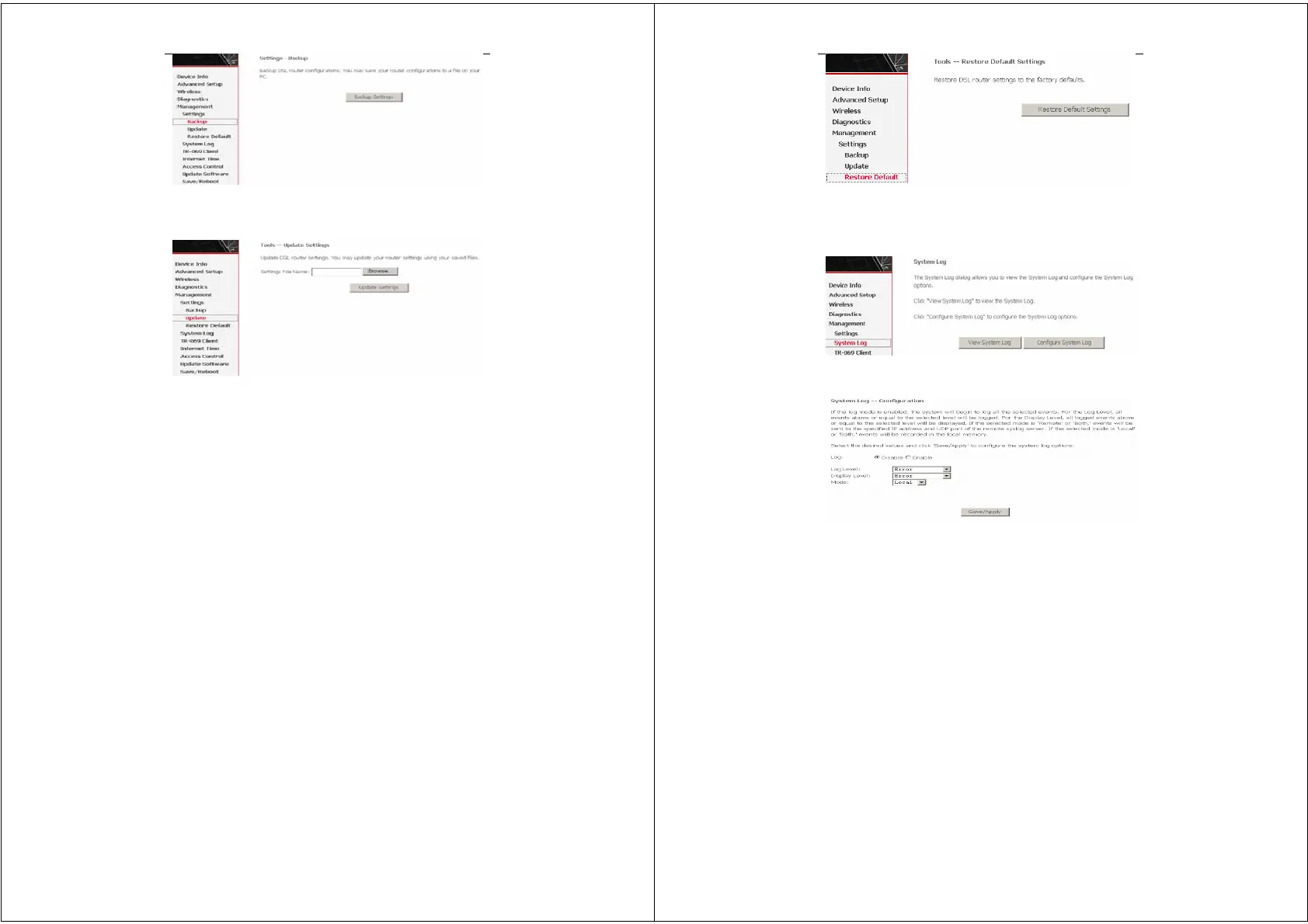
3.4.1.2 Settings Update
Click Browser and select the correct update configure settings file.
Then, click Update Settings to update the modem settings.
3.4.1.3 Settings Restore Default
Click Restore Default Settings to restore DSL router settings to the
factory defaults.
Error! Style not defined.
21
3.4.2 System Log
Click System Log to show the following interface. The system log
dialog allows you to view the system log and configure the system
log options.
Click Configure System Log to show the following interface. You
can enable or disable the system log and then select the log level,
display level and mode, and click Apply to end your configurations.


 To Next Page
 Loading...







