6101
6101
6101
6101 Belt
Belt
Belt
Belt Scale
Scale
Scale
Scale Integrator
Integrator
Integrator
Integrator Operating
Operating
Operating
Operating and
and
and
and Service
Service
Service
Service Manual
Manual
Manual
Manual
32
3.1.7
3.1.7
3.1.7
3.1.7 Alarm
Alarm
Alarm
Alarm Menu
Menu
Menu
Menu
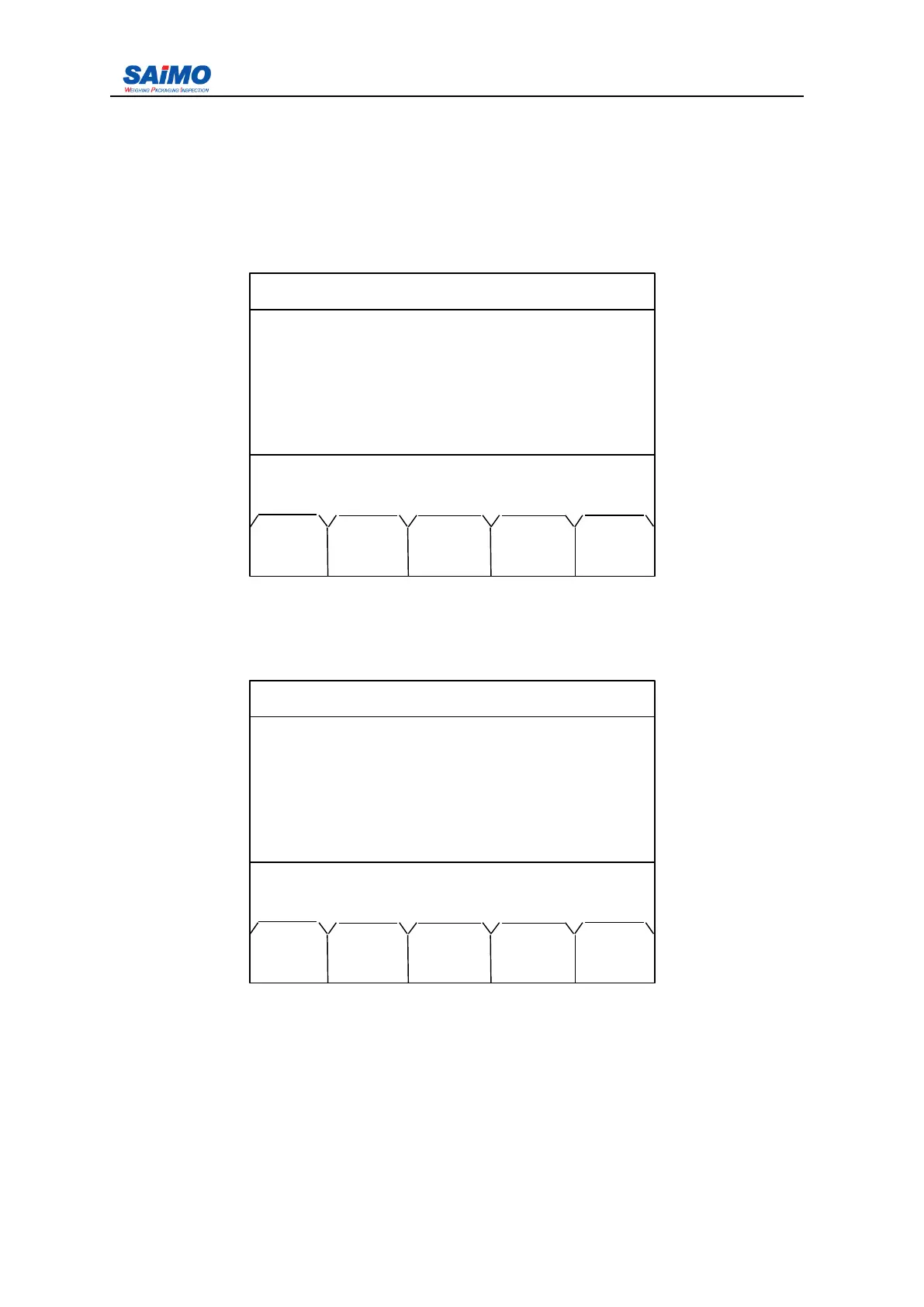
Alarm menu allows us to find system alarm info. details to facilitate us to check alarm
reason and reset alarm signal.
When alarm occurs under “ RUN MENU ” , press “ alarm info. ” to display “ Alarm ” menu
info., move cursor via direction key ↑↓ to select the selection. P ress “ ENT ” to confirm,
then change the value required.
3.2
3.2
3.2
3.2 Main
Main
Main
Main Menu
Menu
Menu
Menu
Press ” MENU ” button on the front panel, the first page of main menu is displayed:.
Press a numeric key (1-5) to select the submenu. Press “ RUN ” to return to Run Menu.
2006-3-21 12:00:00 Scale#1
ALARM DETAILS
ALARM NAME: [ LO RATE ]
ALARM DATE: [ 2005-06-08 ]
ALARM TIME: [ 12:00:00 ]
ALARM ACTION: [ NEW ]
System running!
PREV ALRM PAGE PAGE
RUN RSET DOWN UP
2006-3-21 12:00:00 Scale#1
1 . INITIAL SETUP
2 . CALIBRATION
3 . SYSTEM
DATA
4 . I/O DEFINITION
5 . COMMUNICATION
Press a numeric key to select.
PREV PAGE
RUN DOWN



 To Next Page