6101
6101
6101
6101 Belt
Belt
Belt
Belt Scale
Scale
Scale
Scale Integrator
Integrator
Integrator
Integrator Operating
Operating
Operating
Operating and
and
and
and Service
Service
Service
Service Manual
Manual
Manual
Manual
33
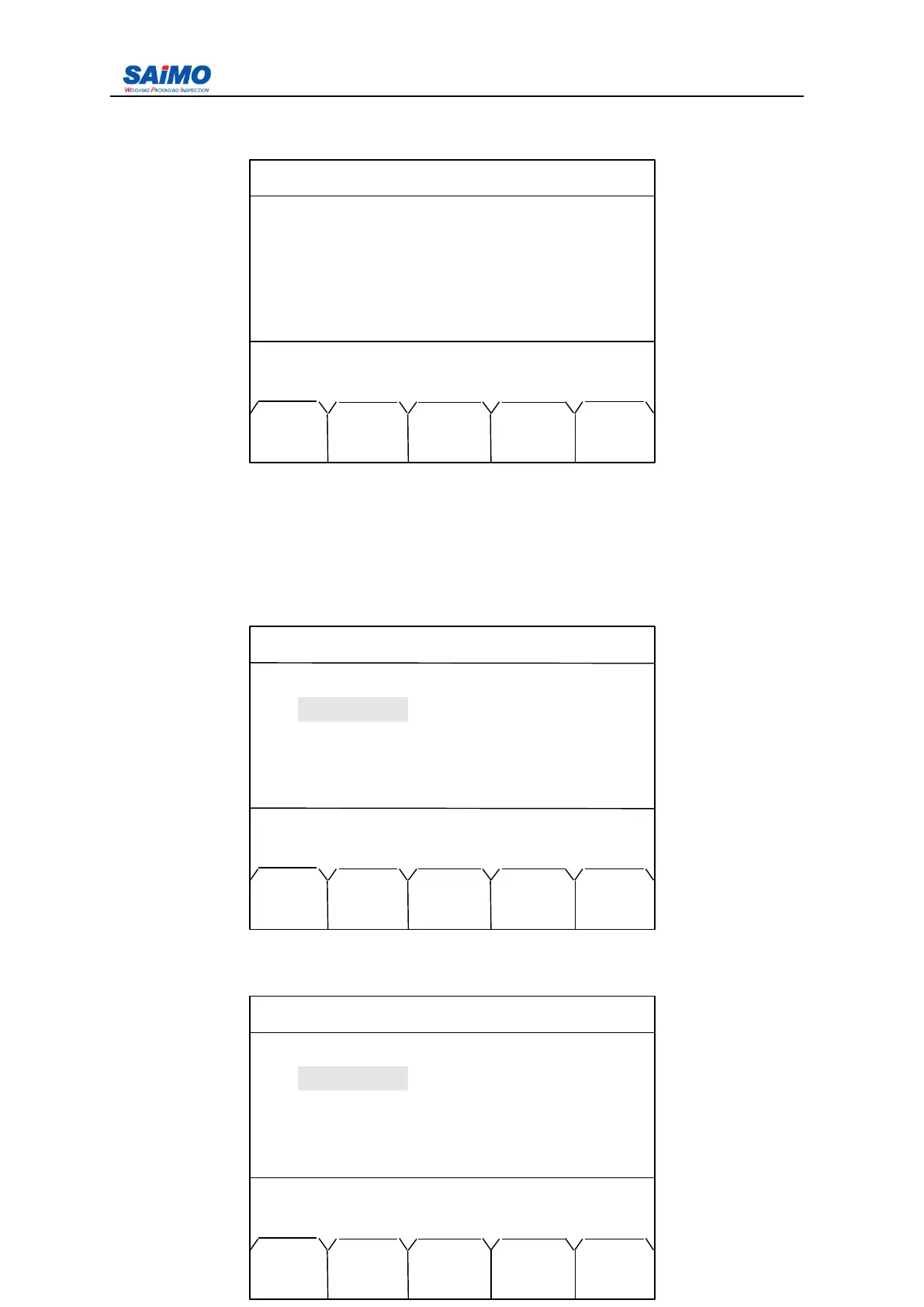
Use the Press “ PAGE DOWN ” soft key, the second page of the Main Menu is displayed as
follows:
Press numeric keys (6-10) to select the submenu. Press “ PREV RUN ” to return to Run Menu.
Press “ PAGE UP ” soft key to return to the first page of the Main Menu. Press numeric key
“ 0 ” to enter report statistic.
3.2
3.2
3.2
3.2 .1
.1
.1
.1 Initial
Initial
Initial
Initial Setup
Setup
Setup
Setup Menu
Menu
Menu
Menu
Press “ 1 ” from the first page of the Main Menu, the screen shows:
Move the cursor to corresponding item with the up/down scroll keys; then press ENT , the
following screen is displayed.
2006-3-21 12:00:00 Scale#1
6 . ALARM SETUP
7 . LOADOUT SETUP
8 . PASSWORD SETUP
9 . DIAGNOSTICS
10
.
STA TISTICS
Press a numeric key to select.
PREV PAGE
RUN UP
2006-3-21 12:00:00 Scale#1
INITIAL SETUP 1
Measure Units : [ METRIC ]
Total Units
:
[ t ]
Length Units : [ METERS ]
Rate Units : [ t/h]
Press
↑↓
key, then press ENT!
PREV PAGE
RUN DOWN
2006-3-21 12:00:00 Scale#1
INITIAL SETUP 1
Measure Units : METRIC
Total Units : [ t ]
Length Units
:
[ METERS ]
Rate Units : [ t/h]
Press ENTR to select, then press SURE.
PREV SLCT ENTR PAGE
RUN DOWN



 To Next Page