6101
6101
6101
6101 Belt
Belt
Belt
Belt Scale
Scale
Scale
Scale Integrator
Integrator
Integrator
Integrator Operating
Operating
Operating
Operating and
and
and
and Service
Service
Service
Service Manual
Manual
Manual
Manual
34
In this menu, if Up/Down scroll keys are pressed, the default unit “ Metric ” is accepted and
the cursor moves to other variables.
Otherwise,
if
“ ENTR ” soft key is pressed, the measure unit value changes among “ English ” ,
“ Metric ” and “ Mixed ” . When the desired option is displayed, press “ SURE ” soft key to
input the value. At this time the screen returns to the first page of Initial Setup 1 menu.
You can use the same method to setup other units listed in the menu.
Measure Units: English, Metric, Mixed
Total Units: t, kg
Length Units: Meters
Flow Rate Units: t/h, kg/h, t/m, kg/m
Description Setup range
Measure units Metric 、 English 、 Mixed
Total units
t 、 kg
Length units m
Rate units t/h 、 kg/h 、 t/m 、 kg/m
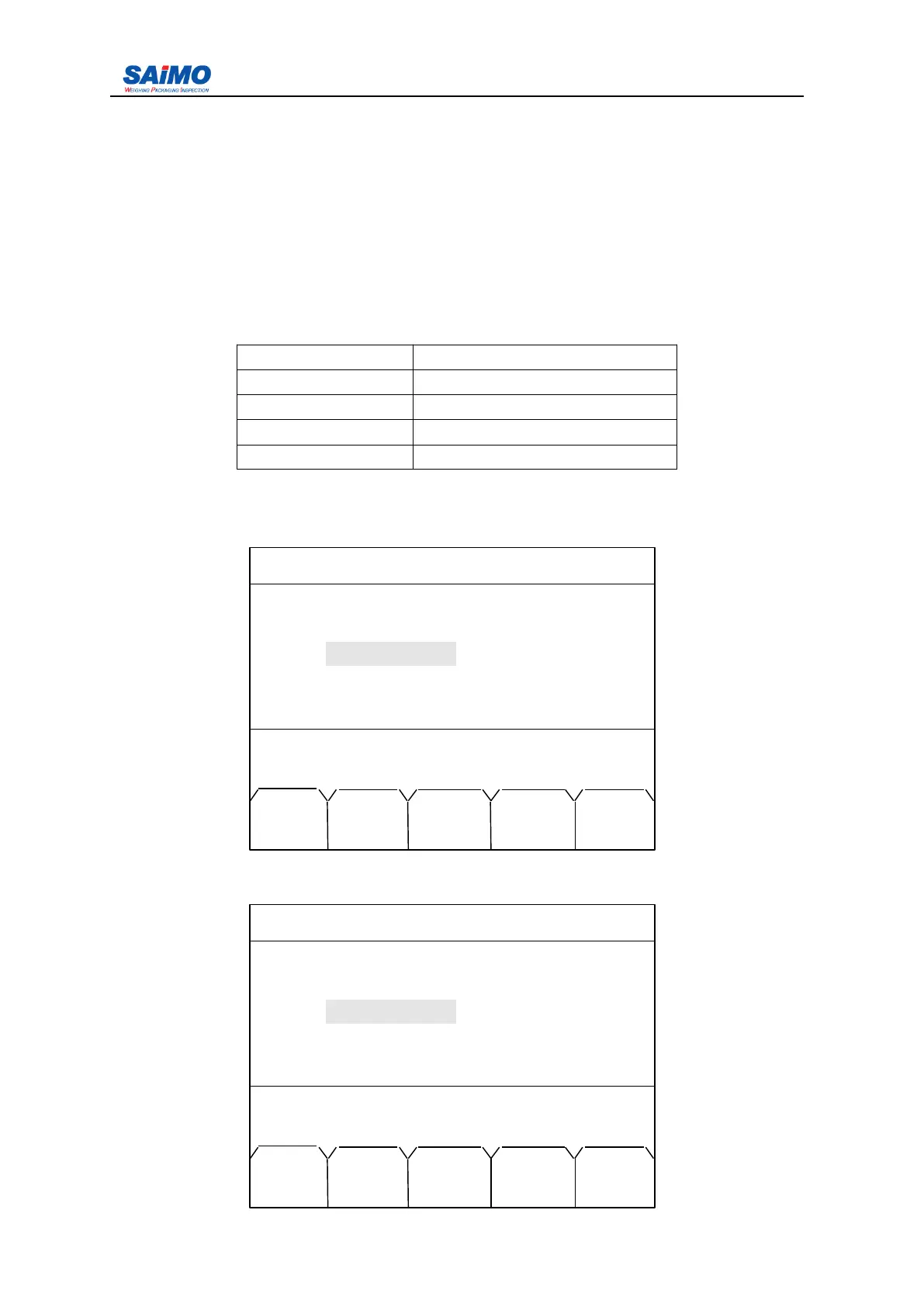
Press “ PAGE DOWN ” soft key from the first page of the Initial Setup 1 Menu, the first page
of the Initial Setup 2 Menu is shown as follows:
Use Up/Down scroll keys to move the cursor to the desired variable, and press ENT to enter
the following screen.
2006-3-21 12:00:00 Scale#1
INITIAL SETUP 2
Loadcell Units : [ kg ]
Scale Capacity : [ 500 kg/h ]
Scale Division : [ 1 ]
Scale Code : [ 1 ]
Press ↑↓ key, then press ENT!
MAIN CODE PAGE PAGE
MENU
DATA
DOWN UP
2006-3-21 12:00:00 Scale#1
INITIAL SETUP 2
Loadcell Units : [ kg ]
Scale Capacity
:
500 kg/h
Scale Division : [ 1 ]
Scale Code : [ 1 ]
Press ENTR to select, then press SURE.
MAIN ENTR PAGE PAGE
MENU DOWN UP



 To Next Page