6101
6101
6101
6101 Belt
Belt
Belt
Belt Scale
Scale
Scale
Scale Integrator
Integrator
Integrator
Integrator Operating
Operating
Operating
Operating and
and
and
and Service
Service
Service
Service Manual
Manual
Manual
Manual
65
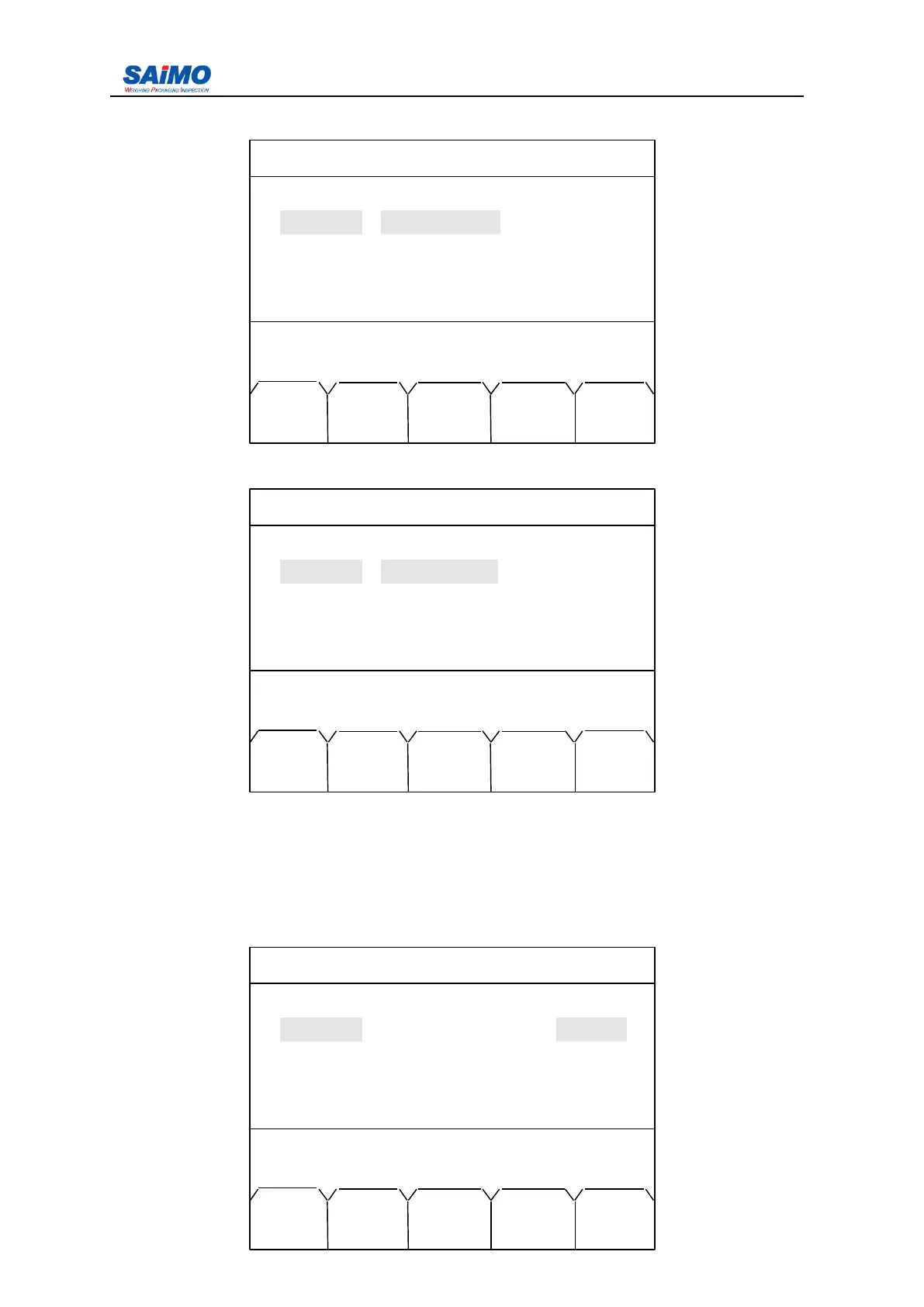
Pressing “ 4 ” from Main Menu enters the first page of the I/O Definition Menu.
Pressing ENT key enters the following screen.
A
s
above menu shown, press “ Select input ” , input port 1 will switch between “ batch ready ” ,
“ batch run ” , “ total reset ” , “ alarm reset ” , “ auto zero ” , “ Print ” , “ No define ” , when proper
input port 1 is selected such as “ Batch ready ” , press “ SURE ” to confirm. F or the other
items
’
s
selection they are same as above operation.
Pressing Right scroll key from the first page of I/O Definition menu enters the following
screen.
2006-3-21 12:00:00 Scale#1
INPUTPORT SETUP 1
In port 1 : [ NO DEFINE ] [ OPEN ]
In port 2 : [ NO DEFINE ] [ OPEN ]
In port 3 : [ NO DEFINE ] [ OPEN ]
In port 4 : [ NO DEFINE ] [ OPEN ]
Press ↑↓ key, then press ENT!
MAIN PAGE
MENU DOWN
2006-3-21 12:00:00 Scale#1
INPUTPORT SETUP 1
In port 1 : NO DEFINE [ OPEN ]
In port 2 : [ NO DEFINE ] [ OPEN ]
In port 3 : [ NO DEFINE ] [ OPEN ]
In port 4 : [ NO DEFINE ] [ OPEN ]
Press ENTR to select, then press SURE !
MAIN SLCT ENTR PAGE
MENU DOWN
2006-3-21 12:00:00 Scale#1
INPUTPORT SETUP 1
In port 1 : [ NO DEFINE ] [ OPEN ]
In port 2 : [ NO DEFINE ] [ OPEN ]
In port 3 : [ NO DEFINE ] [ OPEN ]
In port 4 : [ NO DEFINE ] [ OPEN ]
Press ↑↓ key, then press ENT!
MAIN PAGE
MENU DOWN



 To Next Page