6101
6101
6101
6101 Belt
Belt
Belt
Belt Scale
Scale
Scale
Scale Integrator
Integrator
Integrator
Integrator Operating
Operating
Operating
Operating and
and
and
and Service
Service
Service
Service Manual
Manual
Manual
Manual
71
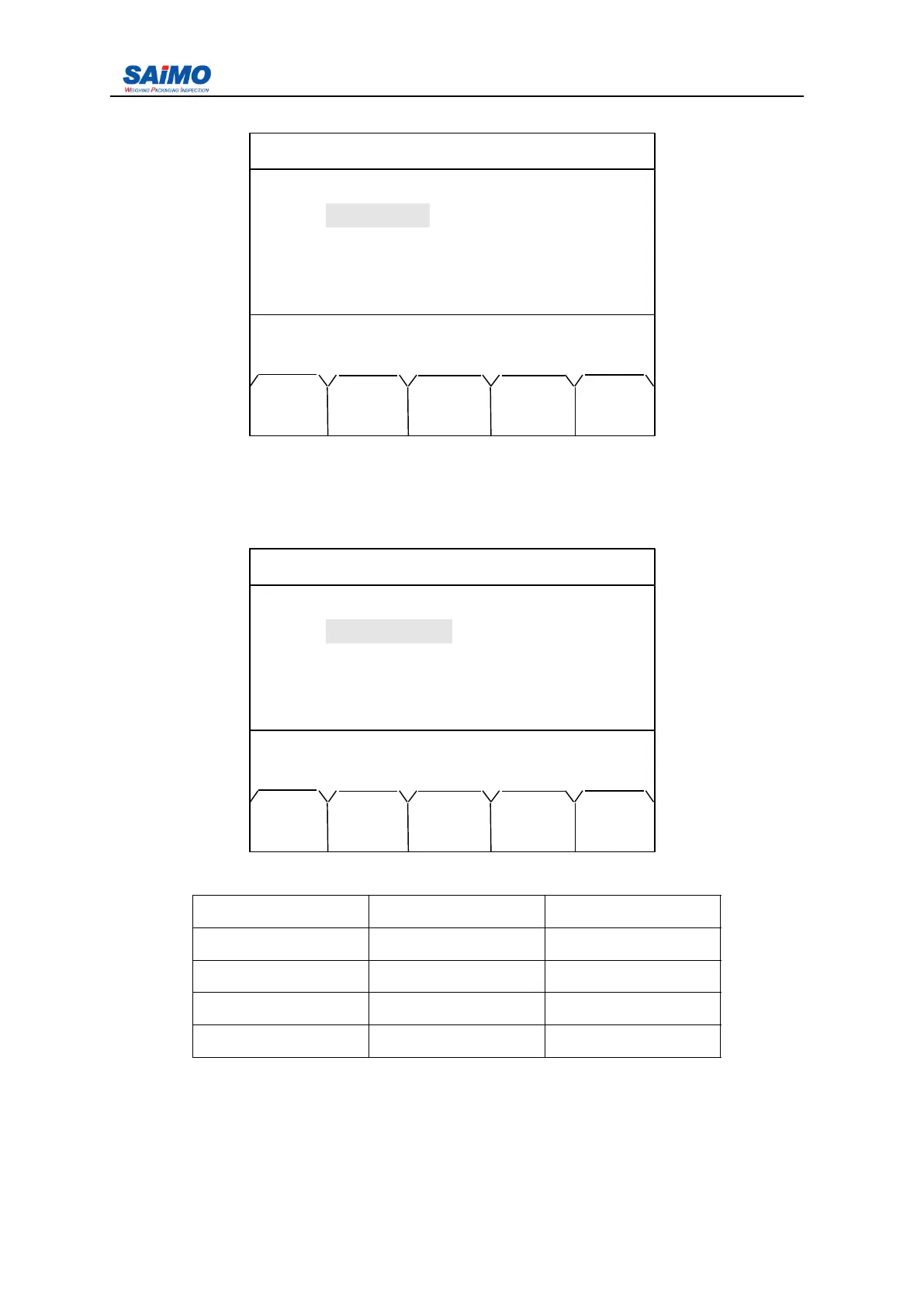
Pressing ENT key enters the following screen.
Use the numeric keys to input the settings f irstly , then press “ SURE ” soft key to confirm.
“
+/-
”
means positive / negtive. “ Max. Angle ” operation is same as above. (as per the nineth
page of submenu “ I/O definition Menu ” , “ angle compensation ” is selected.)
Pressing “ PAGE DOWN ” soft key enters the eleventh page of the I/O Definition Menu.
Setup range see below table:
Description Min Max
Min. moisture 0 1000000
Min. Voltage 0 1000000
Max. moisture 0 1000000
Max. Voltage 0 1000000
(as per the nineth page of submenu “ I/O definition Menu ” , “ Moisture compensation ” is
selected.)
Pressing “ PAGE DOWN ” soft key enters the twelfth page of the I/O Definition Menu
2006-3-21 12:00:00 Scale#1
ANGLE COMPENSATION
Min. Angle :
-
25
Max. Angle : [ 25 ]
Press ↑↓ key, then press ENT!
MAIN +/- ENTR PAGE PAGE
MENU DOWN UP
2006-3-21 12:00:00 Scale#1
MOISTURE COMPENSATION
Min. Moisture : [ 10 % ]
Min. Voltage : [ 2 V ]
Max. Moisture : [ 80 % ]
Max. Voltage
:
[ 5 V ]
Press ↑↓ key, then press ENT!
MAIN PAGE PAGE
MENU DOWN UP



 To Next Page