6101
6101
6101
6101 Belt
Belt
Belt
Belt Scale
Scale
Scale
Scale Integrator
Integrator
Integrator
Integrator Operating
Operating
Operating
Operating and
and
and
and Service
Service
Service
Service Manual
Manual
Manual
Manual
70
Pressing “ PAGE DOWN ” soft key enters the ninth page of the I/O Definition Menu.
Move ↑↓ key to select submenu, When press “ ENTR ” soft key, the output type value
changes between “ YES ” and “ NO ” . When the desired option is displayed, press “ SURE ”
soft key to input the value.
Pressing “ PAGE DOWN ” soft key enters the tenth page of the I/O Definition Menu.
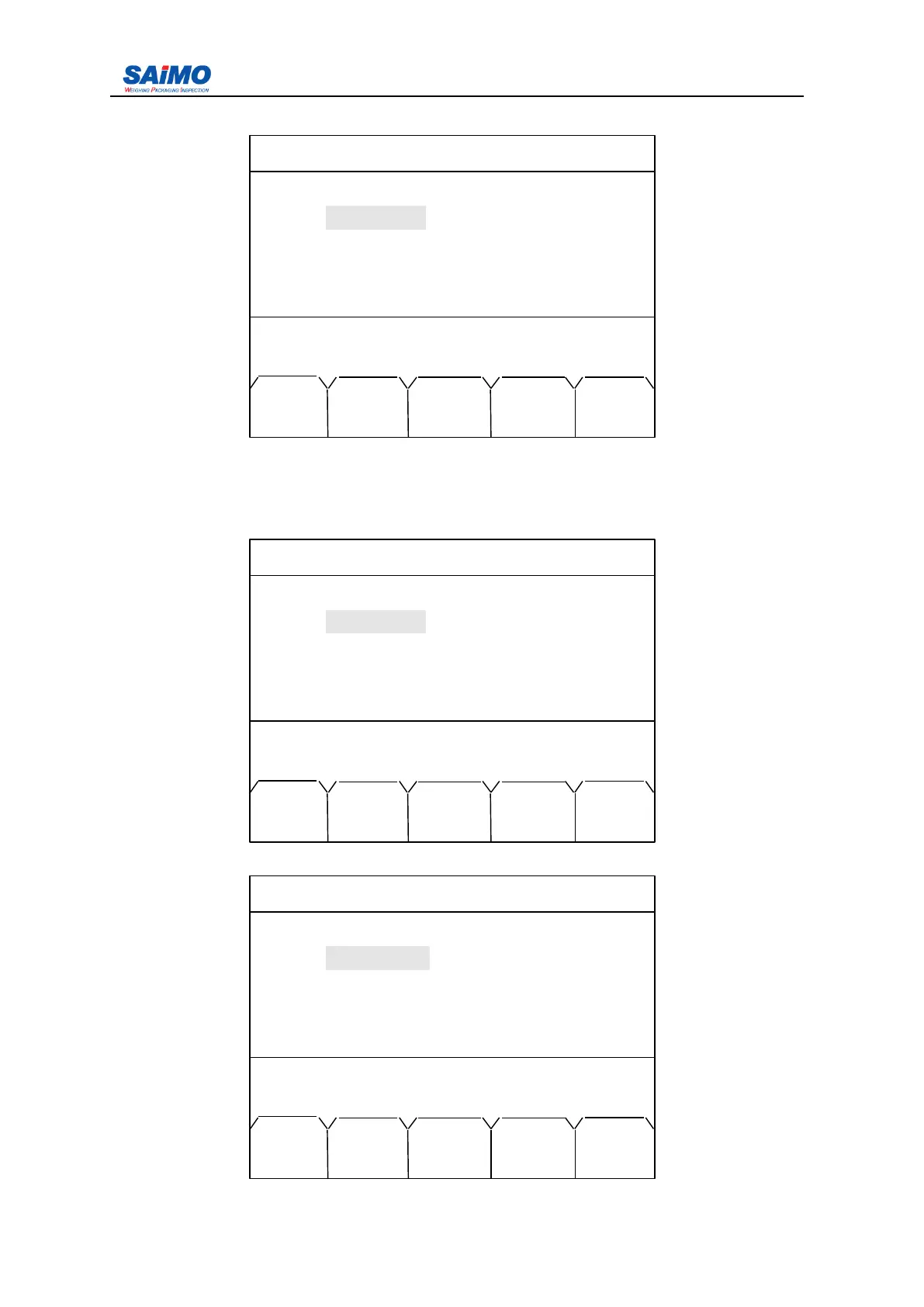
2006-3-21 12:00:00 Scale#1
COMPENSATION EFFECT
Inclination
:
[ NO ]
Moisture : [ NO ]
Press ↑↓ key, then press ENT!
MAIN PAGE PAGE
MENU DOWN UP
2006-3-21 12:00:00 Scale#1
COMPENSATION EFFECT
Inclination : NO
Moisture : [ NO ]
Press ENTR to select, then press SURE!
MAIN SLCT ENTR PAGE PAGE
MENU DOWN UP
2006-3-21 12:00:00 Scale#1
ANGLE COMPENSATION
Min. Angle : [
-
25 ]
Max. Angle : [ 25 ]
Press
↑↓
key, then press ENT!
MAIN ENTR PAGE PAGE
MENU DOWN UP



 To Next Page