6101
6101
6101
6101 Belt
Belt
Belt
Belt Scale
Scale
Scale
Scale Integrator
Integrator
Integrator
Integrator Operating
Operating
Operating
Operating and
and
and
and Service
Service
Service
Service Manual
Manual
Manual
Manual
69
Setup range is as below table:
Description Range
Output type “ No define ” , “ Flow rate ” , “ Load ” , “ Speed ”
Output range 4-20mA 20-4mA
O utput delay 1s 10
Output filter 0 10
When proper output type such as “ No define ” is selected, press “ ENT ” to confirm. “ Output
range ” operation is same as above.
From the first page of Simulated Output #1, press “ PAGE DOWN ” soft key to enter the
seventh page of the I/O Definition Menu.
Set the simulated output port 2 in the same way as mentioned above.
Pressing “ PAGE DOWN ” soft key enters the eighth page of the I/O Definition Menu.
Move ↑↓ key to select submenu, The simulated input value changes among “ No Define ” ,
“ Moisture ” and “ Inclination ” .
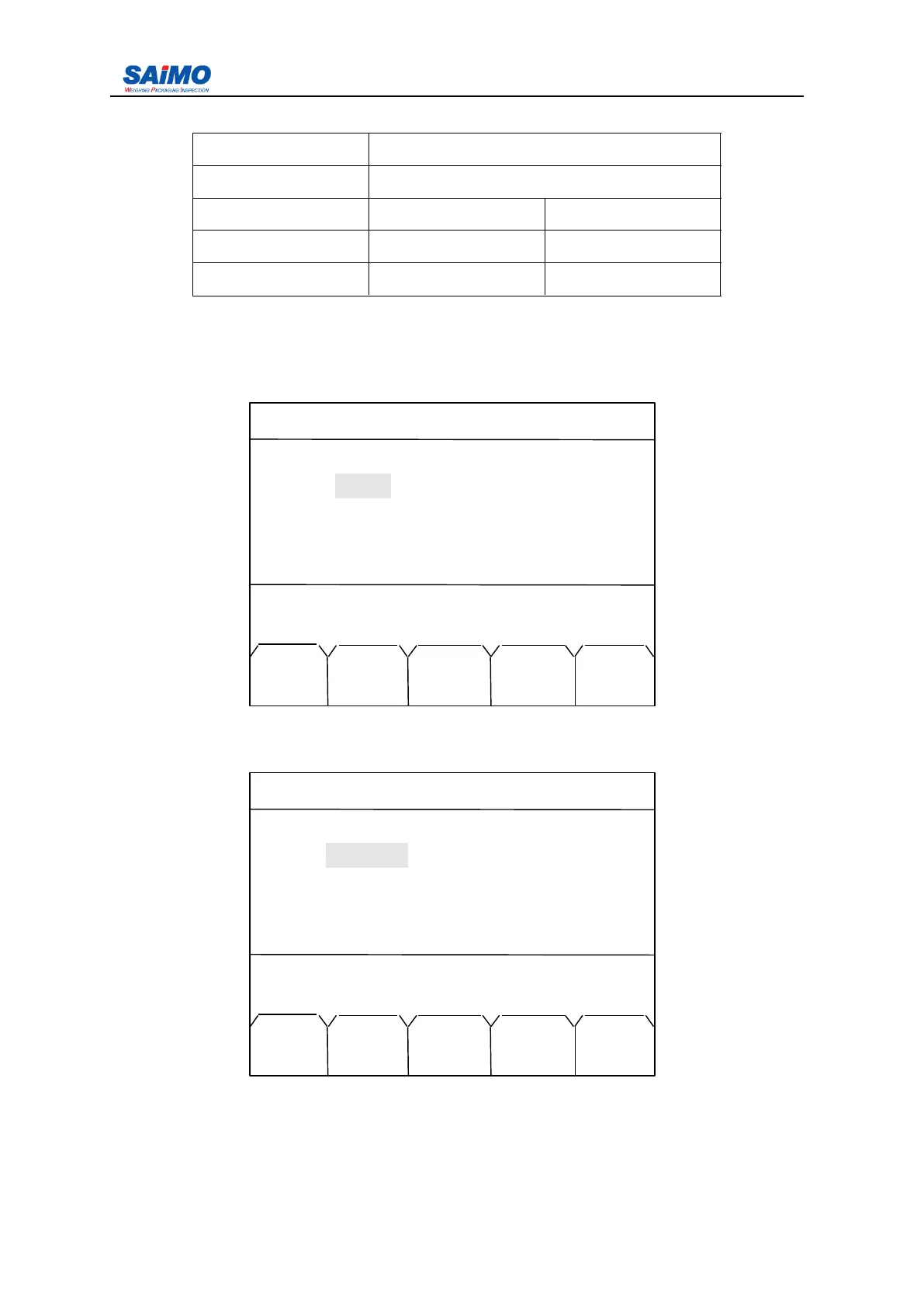
2006-3-21 12:00:00 Scale#1
SIMULATED OUTPUT #2
Type : [ PID OUTPUT ]
Range
:
[ 4-20 mA ]
Delay : [ 0 sec ]
Filter : [ 0 ]
Press
↑↓
key, then press ENT!
MAIN PAGE PAGE
MENU DOWN UP
2006-3-21 12:00:00 Scale#1
SIMULATED INPUT
Input #1 : [ MOISTURE ]
Input #2 : [ INCLINATION ]
Press ↑↓ key, then press ENT!
MAIN PAGE PAGE
MENU DOWN UP



 To Next Page