6101
6101
6101
6101 Belt
Belt
Belt
Belt Scale
Scale
Scale
Scale Integrator
Integrator
Integrator
Integrator Operating
Operating
Operating
Operating and
and
and
and Service
Service
Service
Service Manual
Manual
Manual
Manual
68
Pressing “ PAGE DOWN ” soft key enters the sixth page of the I/O Definition Menu.
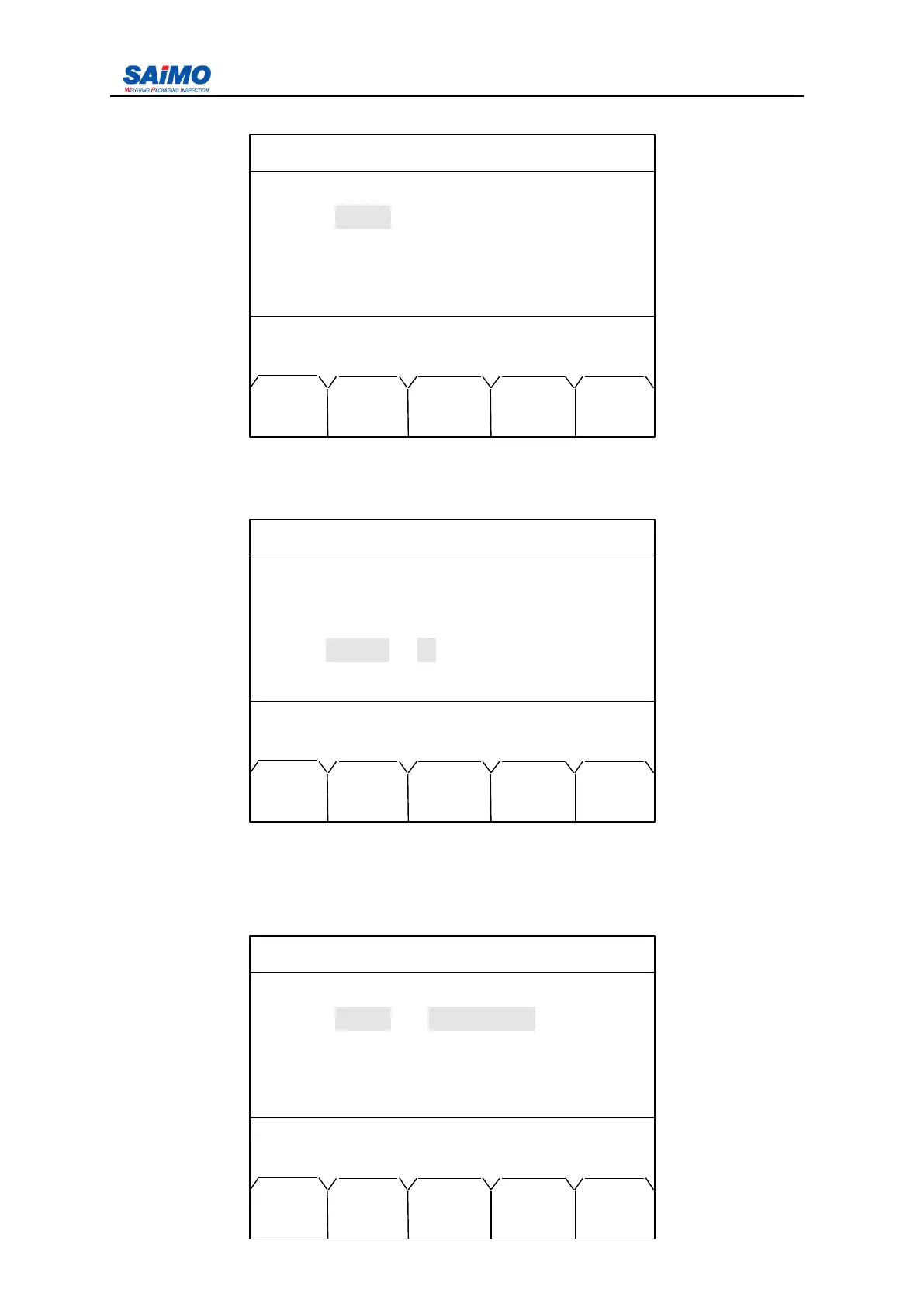
Move the cursor to “ Delay ” with Up/Down scroll keys and press ENT key, the following
screen appears:
Press numeric keys to input the desired value, and press “ ENTR ” soft key to confirm.
Use the same method to set the Output Filter.
In the first page of Simulated Output #1 menu, move the cursor to “ Type ” with Up/Down
scroll keys and press ENT key, the following screen appears:
2006-3-21 12:00:00 Scale#1
SIMULATED OUTPUT #1
Type
:
[ PID OUTPUT ]
Range : [ 4-20 mA ]
Delay : [ 0 sec ]
Filter : [ 0 ]
Press ↑↓ key, then press ENT!
MAIN PAGE PAGE
MENU DOWN UP
2006-3-21 12:00:00 Scale#1
SIMULATED OUTPUT #1
Type
:
[ PID OUTPUT ]
Range : [ 4-20 mA ]
Delay :
Filter : [ 0 ]
Press numeric key, then press SURE!
MAIN ENTR PAGE PAGE
MENU DOWN UP
2006-3-21 12:00:00 Scale#1
SIMULATED OUTPUT #1
Type : PID OUTPUT
Range : [ 4-20 mA ]
Delay
:
[ 0 sec ]
Filter : [ 0 ]
Press ENTR to select, then press SURE!
MAIN SLCT ENTR PAGE PAGE
MENU DOWN UP



 To Next Page