6101
6101
6101
6101 Belt
Belt
Belt
Belt Scale
Scale
Scale
Scale Integrator
Integrator
Integrator
Integrator Operating
Operating
Operating
Operating and
and
and
and Service
Service
Service
Service Manual
Manual
Manual
Manual
77
Press ↑↓ key to select submenu. Press select input to switch options between:
The options of output port function include: “ High Rate ” , “ Low Rate ” , “ High Load ” , “ Low
Load ” , “ High Speed ” , “ Low Speed ” , “ Control error ” .
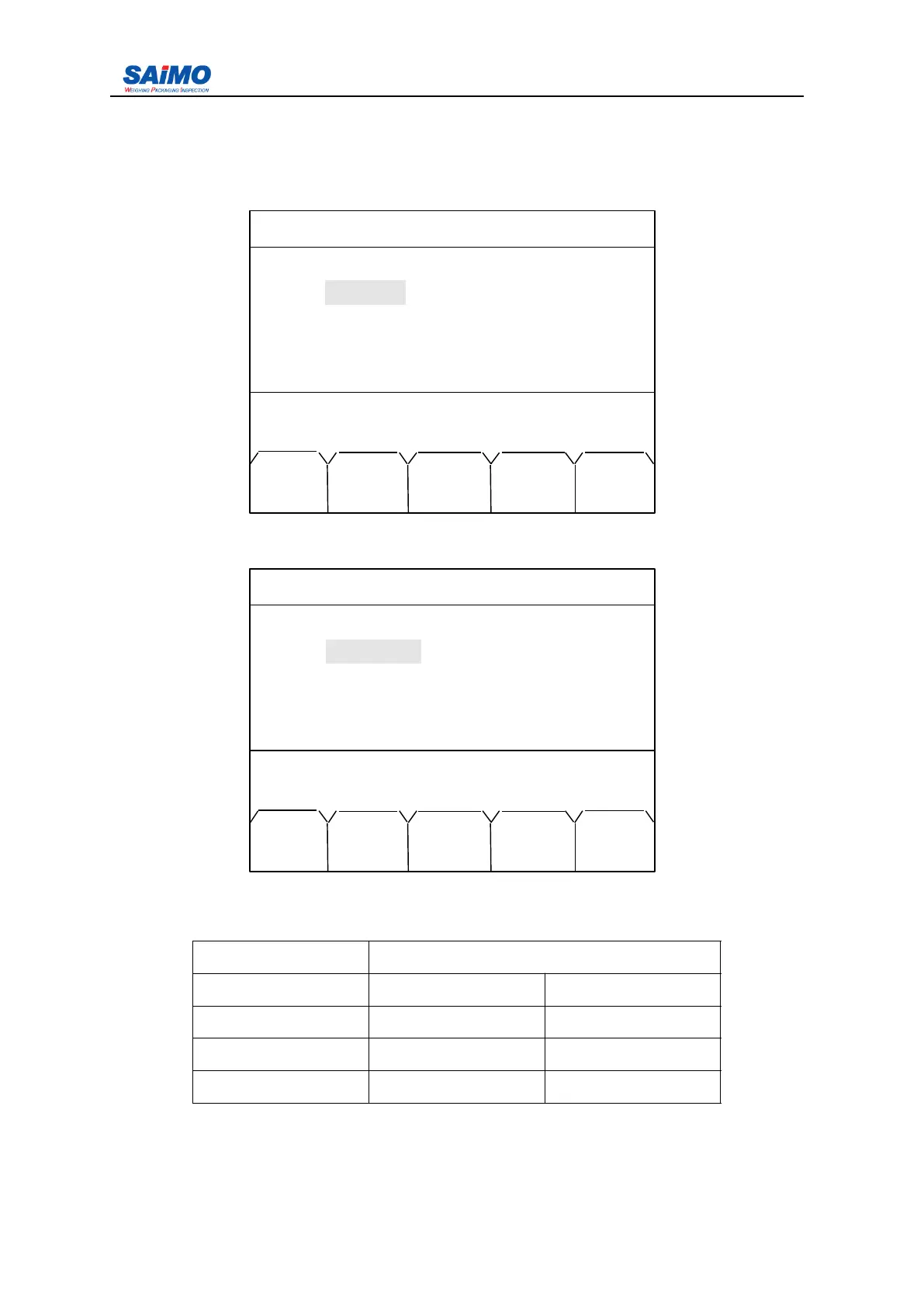
Pressing “ PAGE DOWN ” soft key enters the second page of the Alarm Setup Menu.
Press ↑↓ key to select submenu. O peration is same as alarm 1-4.
Pressing “ PAGE DOWN ” soft key enters the third page of the Alarm Setup Menu.
Press
↑↓
key to select submenu.
Setup range see below table:
Description Range
H igh rate 0 1000000
A larm delay 1 10
L ow rate 0 1000000
A larm delay 1 10
2006-3-21 12:00:00 Scale#1
ALARM SETUP 2
Alarm 5 : [ NO DEFINE ]
Alarm 6 : [ NO DEFINE ]
Alarm 7 : [ NO DEFINE ]
Alarm 8 : [ NO DEFINE ]
Press ↑↓ key, then press ENT!
MAIN PAGE PAGE
MENU DOWN UP
2006-3-21 12:00:00 Scale#1
RATE ALARM SETUP
High Rate : [ 80 %]
Delay : [ 1 sec ]
Low Rate : [ 20 % ]
Delay : [ 1 sec ]
Press ↑↓ key, then press ENT!
MAIN PAGE PAGE
MENU DOWN UP



 To Next Page