6101
6101
6101
6101 Belt
Belt
Belt
Belt Scale
Scale
Scale
Scale Integrator
Integrator
Integrator
Integrator Operating
Operating
Operating
Operating and
and
and
and Service
Service
Service
Service Manual
Manual
Manual
Manual
76
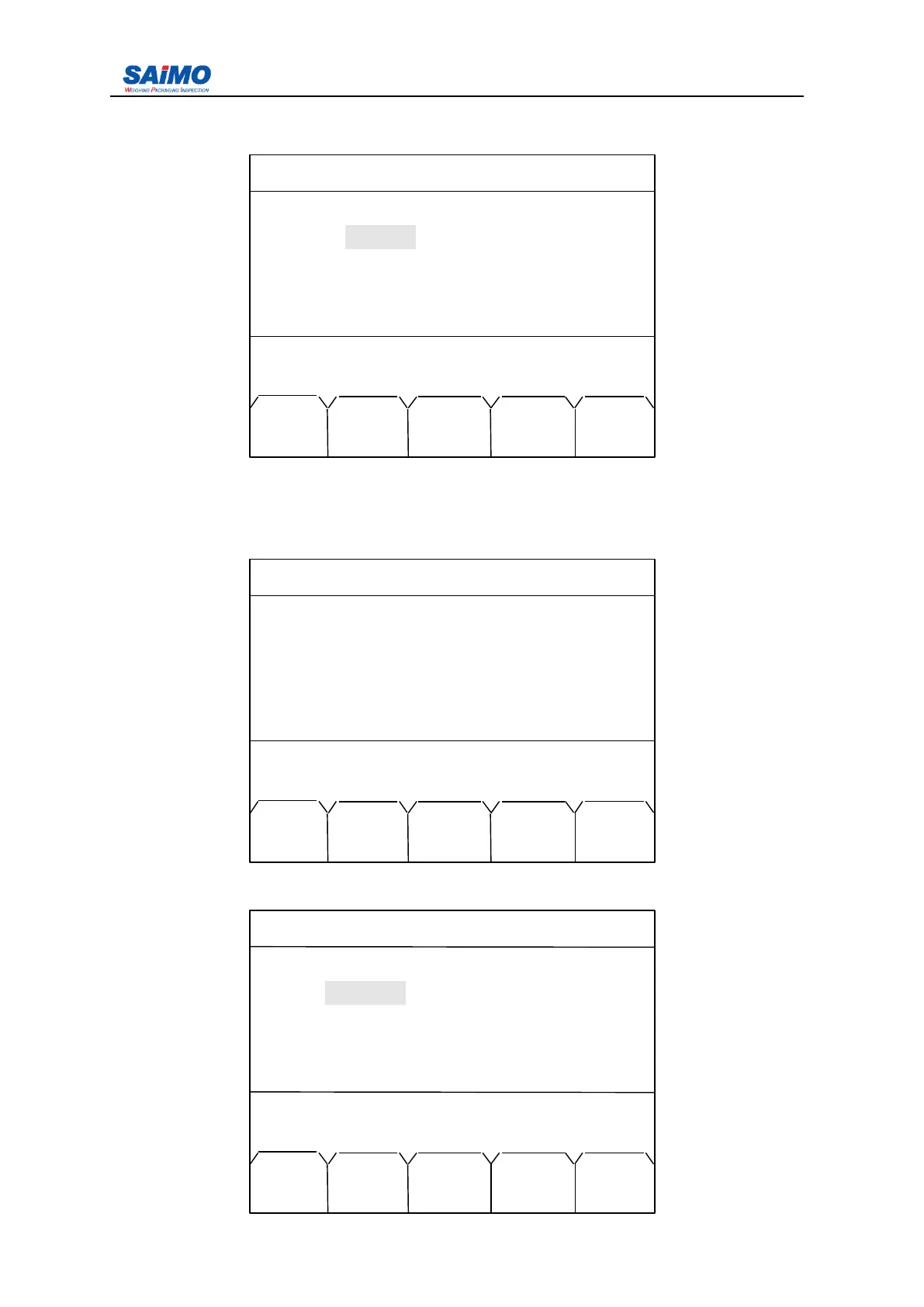
Pressing “ PAGE DOWN ” for further setup, the following 4 menus are timeing print setup
for set print time individually. (time is 24H system).
3
3
3
3 .
.
.
. 2.7
2.7
2.7
2.7 Alarm
Alarm
Alarm
Alarm Setup
Setup
Setup
Setup Menu
Menu
Menu
Menu
Pressing “ 6 ” from the second page of Main Menu enters the first page of the Alarm Setup
Menu.
Press “ 6 ” on the right of screen to enter “ ALARM SETUP1 ” menu.
2006-3-21 12:00:00 Scale#1
ALARM SETUP 1
Alarm 1 : [ NO DEFINE ]
Alarm 2 : [ NO DEFINE ]
Alarm 3 : [ NO DEFINE ]
Alarm 4 : [ NO DEFINE ]
Press
↑↓
key, then press ENT!
MAIN PAGE
MENU DOWN
2006-3-21 12:00:00 Scale#1
6 . ALARM
ALARM
ALARM
ALARM SETUP
SETUP
SETUP
SETUP
7 . LOADOUT SETUP
8 . PASSWORD SETUP
9 . DIAGNOSTICS
10
.
STA TISTICS
Press a numeric key to select !
PREV PAGE
RUN UP
2010-11-09 12:00:00 Scale#1
SPECIFY PRINT 1 SETUP
HOUR
:
[ 0 ]
MINUTE : [ 0 ]
Press ↑↓ key, then press ENT!
MAIN PAGE PAGE
MENU DOWN UP



 To Next Page