6101
6101
6101
6101 Belt
Belt
Belt
Belt Scale
Scale
Scale
Scale Integrator
Integrator
Integrator
Integrator Operating
Operating
Operating
Operating and
and
and
and Service
Service
Service
Service Manual
Manual
Manual
Manual
75
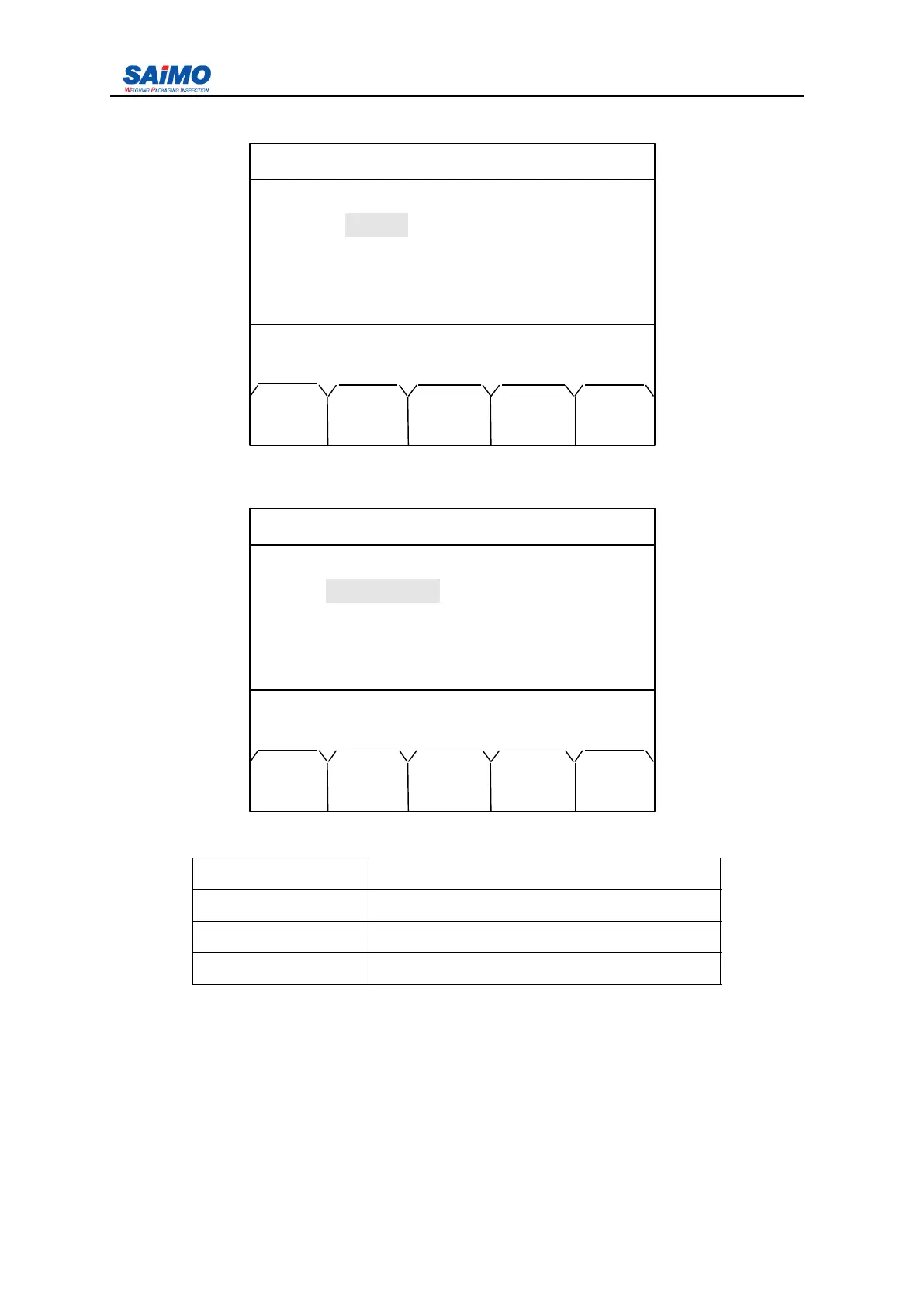
Pressing “ PAGE DOWN ” soft key enters the fourth page of the Communication Menu.
Press ↑↓ key to select submenu.
Pressing “ PAGE DOWN ” for further setup, press
↑↓
key to select submenu.
Setup range see below table :
Description Range
Continue Y es,No
Span time 1-1000000 min
S pecify Y es, no
When “ Continue ” selection is YES, it means it starts continue print function, otherwise
aborts continue print function. T he span time of continue print is set in “ Span time ” , the
min.time is 1 min, the max. time is 1000000 min.
I ntegrator can chooes the timing print function also , when timing print function is selected ,
integrator can set up to 4 regular print point, for specific operations, refer to the follows: .
2006-3-21 12:00:00 Scale#1
COMMPORT 2 SETUP
Parity
:
[ NONE ]
Press ↑↓ key, then press ENT!
MAIN PAGE PAGE
MENU DOWN UP
2010-11-09 12:00:00 Scale#1
PRINT SETUP
CONTINUE : [ NO ]
SPAN TIME : [ 10 min ]
SPECIFY : [ NO ]
Press ↑↓ key, then press ENT!
MAIN PAGE PAGE
MENU DOWN UP



 To Next Page