6101
6101
6101
6101 Belt
Belt
Belt
Belt Scale
Scale
Scale
Scale Integrator
Integrator
Integrator
Integrator Operating
Operating
Operating
Operating and
and
and
and Service
Service
Service
Service Manual
Manual
Manual
Manual
74
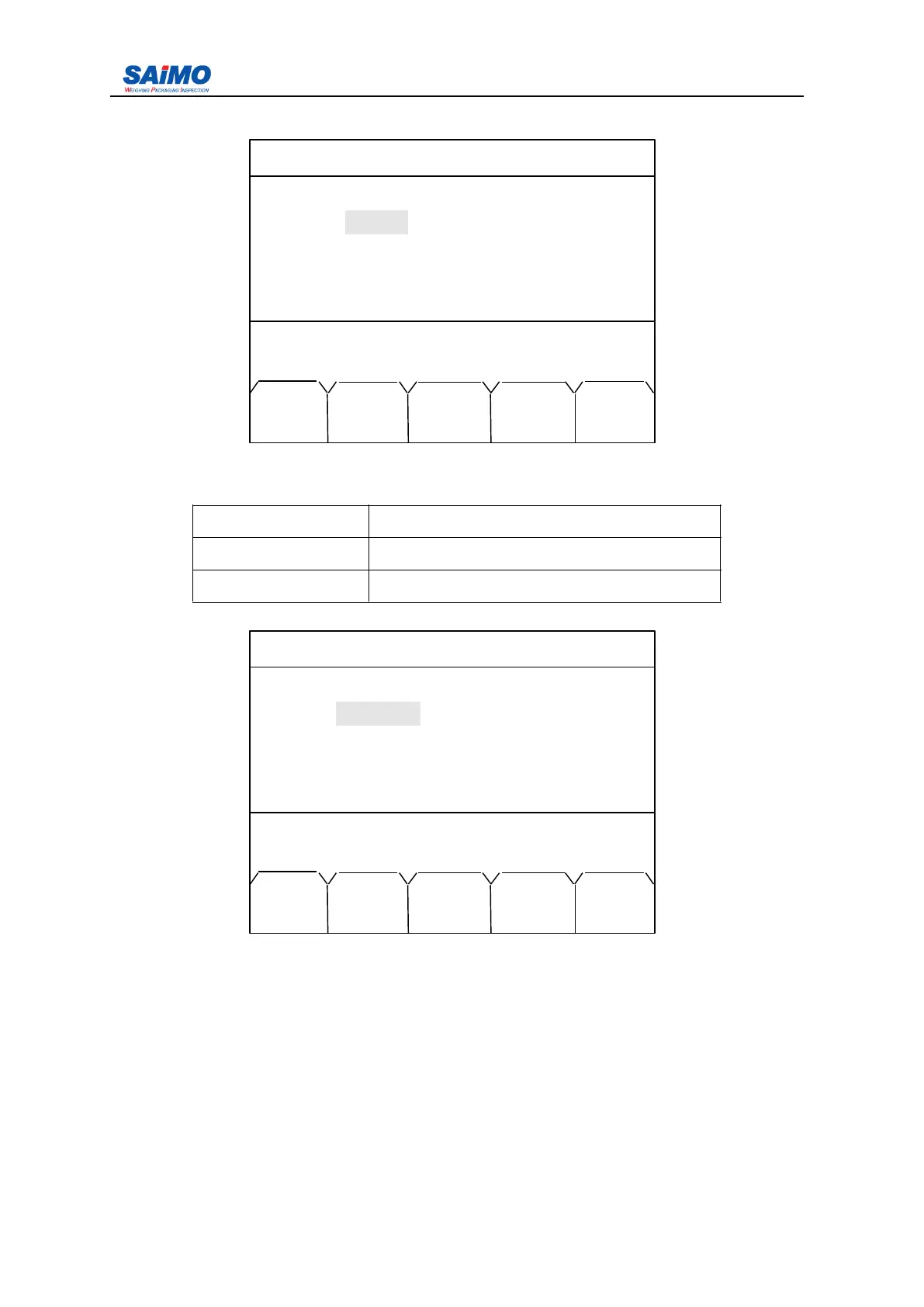
Pressing “ PAGE DOWN ” soft key enters the second page of the Communication Menu.
Press ↑↓ key to select submenu. Press ENTR soft key to view the optional settings and
press SURE soft key until the desired value is displayed.
Description Range
Parity No define, MODBUS , Print
Address 0-255
Pressing “ PAGE DOWN ” soft key enters the third page of the Communication Menu.
Press ↑↓ key to select submenu. Operation is same as comm. P ort1 setup.
2006-3-21 12:00:00 Scale#1
COMMPORT 1 SETUP
Parity : [ NONE ]
Address : [ 1 ]
Press
↑↓
key, then press ENT!
MAIN PAGE PAGE
MENU DOWN UP
2006-3-21 12:00:00 Scale#1
COMMPORT 2 SETUP
Function : [ MODBUS ]
Baud Rate : [ 115200 ]
Word Length : [ 8BIT ]
Stop Bit : [ 1BIT ]
Press ↑↓ key, then press ENT!
MAIN PAGE PAGE
MENU DOWN UP



 To Next Page