6101
6101
6101
6101 Belt
Belt
Belt
Belt Scale
Scale
Scale
Scale Integrator
Integrator
Integrator
Integrator Operating
Operating
Operating
Operating and
and
and
and Service
Service
Service
Service Manual
Manual
Manual
Manual
81
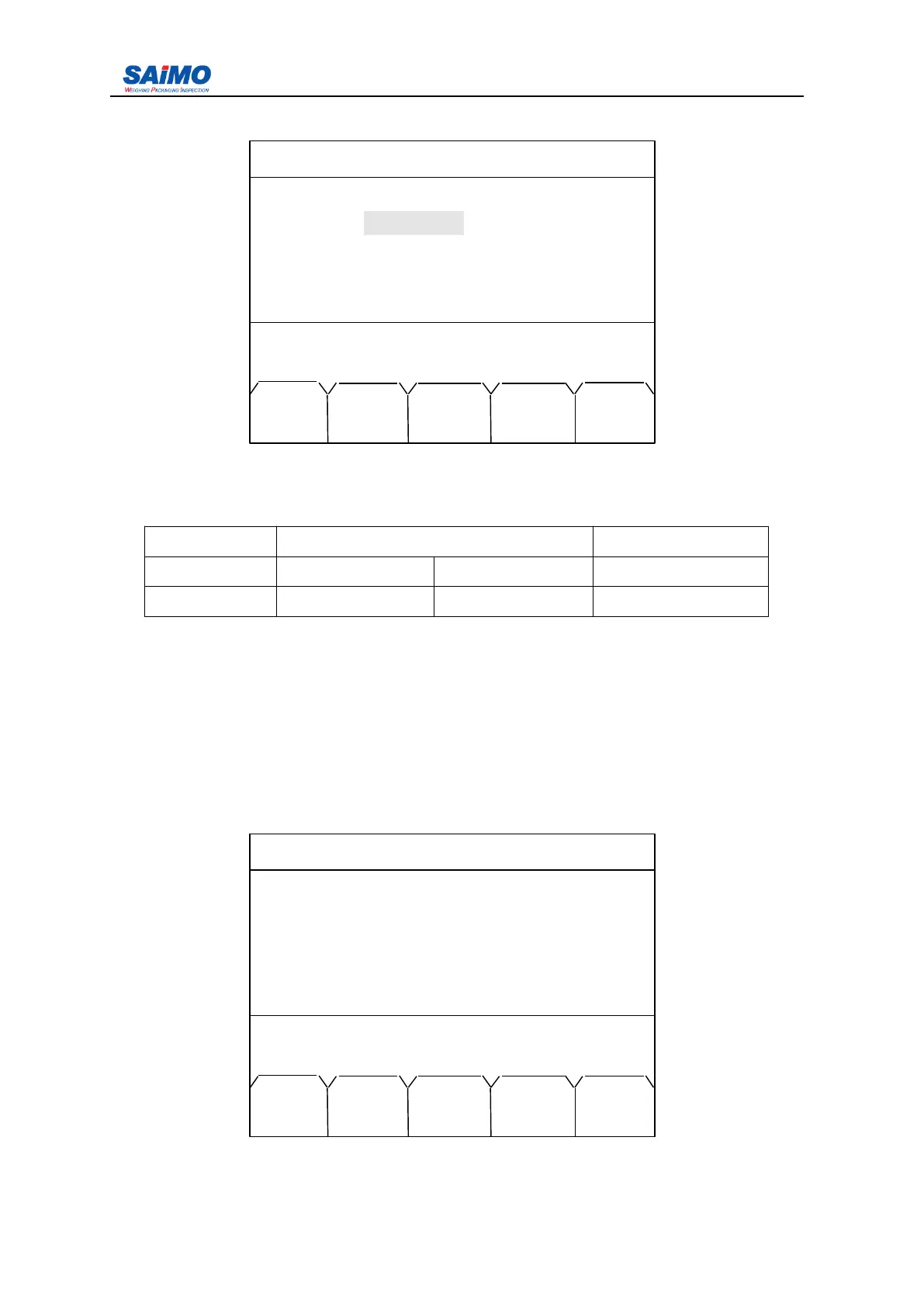
Pressing “ PAGE DOWN ” soft key enters the second page of the Loadout Setup Menu.
Press ↑↓ key to select submenu.
Parameter range:
NAME RANGE Remark
Pre Length 0 1000000 If applied
Delay 0 10 If applied
3
3
3
3 .
.
.
. 2.9
2.9
2.9
2.9 Password
Password
Password
Password Setup
Setup
Setup
Setup Menu
Menu
Menu
Menu
Integrator has 2 level password protection- system protection and operation pretection.
S ystem protection is in higher level, once it is put into usage, integrator all data and
operation will be forbidden, except system protection is cancelled; Operation protection
allows zero operation only, other data and variours of operations are to be forbidden. B oth
kinds of protection can be alternative as per actual requirement.
Pressing “ 8 ” from the second page of Main Menu enters the first page of the Password
Menu.
2006-3-21 12:00:00 Scale#1
LOADOUT SETUP 2
Pre Length : [ 5 ]
Delay : [ 2 sec ]
Press ↑↓ key, then press ENT!
MAIN PAGE
MENU UP
2006-3-21 12:00:00 Scale#1
6 . ALARM SETUP
7 . LOADOUT SETUP
8 . PASSWORD
PASSWORD
PASSWORD
PASSWORD SETUP
SETUP
SETUP
SETUP
9 . DIAGNOSTICS
10 . STA TISTICS
Press a numeric key to select !
PREV PAGE
RUN UP



 To Next Page