6105
6105
6105
6105 Belt
Belt
Belt
Belt Feeder
Feeder
Feeder
Feeder integrator
integrator
integrator
integrator ---
---
---
--- User
User
User
User ’
’
’
’ s
s
s
s Guide
Guide
Guide
Guide ---
---
---
---
42
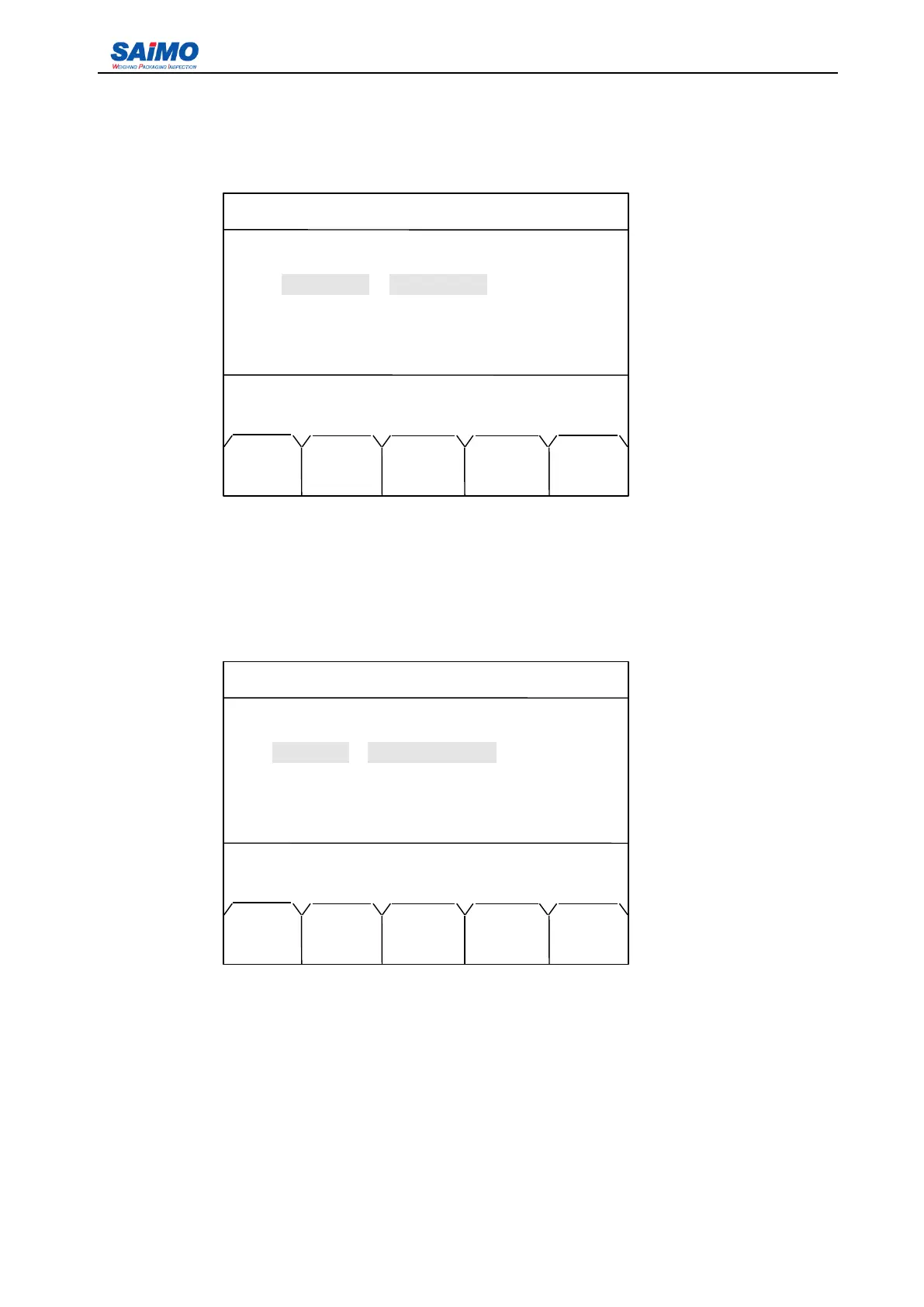
Pressing “ PAGE DOWN ” soft key from the first page of I/O Definition 1 Menu enters the second page of
the I/O Definition Menu. This is the second page for Input Definition .
Set the input ports 5 through 8 in the same way as mentioned above.
Pressing “ PAGE DOWN ” soft key enters the third page of the I/O Definition Menu. This is the first page
for Output Definition.
Set the output port 1 through 4 in the same way as mentioned above.
The options of output port function include: “ Alarm 1 ” , “ Alarm 2 ” , “ Alarm 3 ” , “ Alarm 4 ” , “ Alarm 5 ” , “ Alarm
6 ” , “ Alarm 7 ” , “ Alarm 8 ” , “ No Define ” , “ Totalizer ” , “ Batch Start ” , “ Batch Complete ” .
Pressing “ PAGE DOWN ” soft key enters the fourth page of the I/O Definition Menu. This is the second
page for Output Definition.
2006-3-21 12:00:00 Scale#1
INPUTPORT SETUP 2
In port 5: [ NO DEFINE ] OPEN
In
port
6: [NO DEFINE] [ OPEN ]
In
port
7: [NO DEFINE] [ OPEN ]
In
port
8: [NO DEFINE] [ OPEN ]
Press ↑ or ↓ key, then press ENT!
MAIN PAGE PAGE
MENU DOWN UP
2006-3-21 12:00:00 Scale#1
OUTPUTPORT SETUP 1
Out por 1: [ NO DEFINE ] [ OPEN ]
Out por 2: [ NO DEFINE ] [ OPEN ]
Out por 3: [ NO DEFINE ] [ OPEN ]
Out por 4: [ NO DEFINE ] [ OPEN ]
Press
↑
or
↓
key, then press ENT!
MAIN PAGE PAGE
MENU DOWN UP



 To Next Page